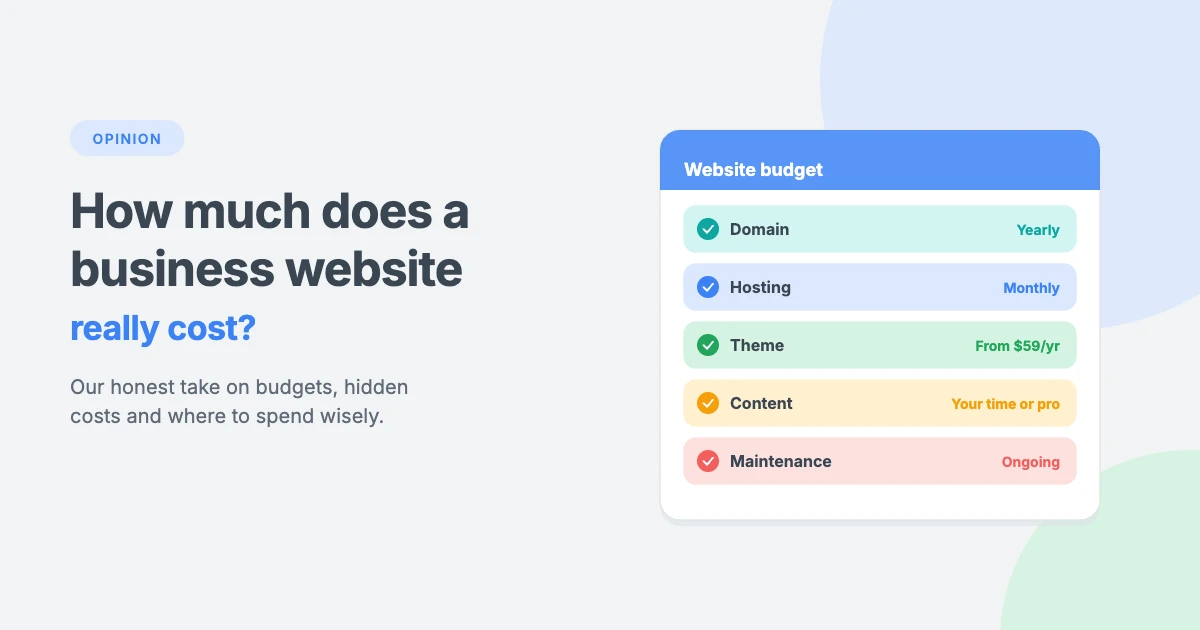
“How much does a business website cost?” It’s one of the first questions every business owner asks, and one of the hardest to get a straight answer to. Search for it and you’ll find prices from almost nothing to tens of thousands of dollars.
Our honest opinion is that both ends of that range can be right, and both can be wrong for your business. A website that’s too cheap often costs more in the long run, while an expensive website isn’t automatically a better one.
In this opinion piece, we’ll break down what really goes into a business website cost, compare the DIY, freelancer and agency routes, point out the hidden costs most people forget, and share where we think your money is best spent.
Our honest take: think in years, not launch day
Most people budget their business website cost around the day their website goes live. We think that’s the wrong way to look at it.
A business website is more like a shop front than a brochure. It needs a solid foundation, regular care and the occasional refresh. So when you compare prices, look at the total cost over two or three years, not just the launch price. A cheap build that needs fixing every few months, or rebuilding after a year, is rarely the bargain it seems.
In our opinion, the best-value business websites have three things in common:
- A reliable, well-built foundation, such as WordPress with a quality theme.
- Content that actually explains what the business does and why customers should choose it.
- Someone looking after it, whether that’s you, a freelancer or a care plan.
What makes up a business website cost?
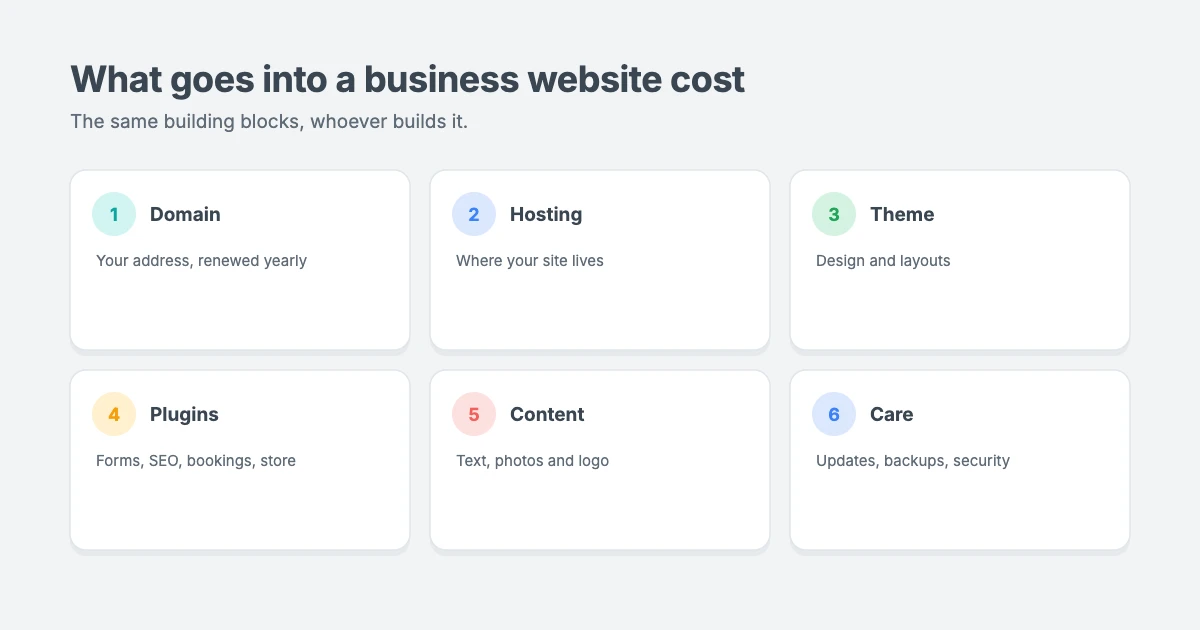
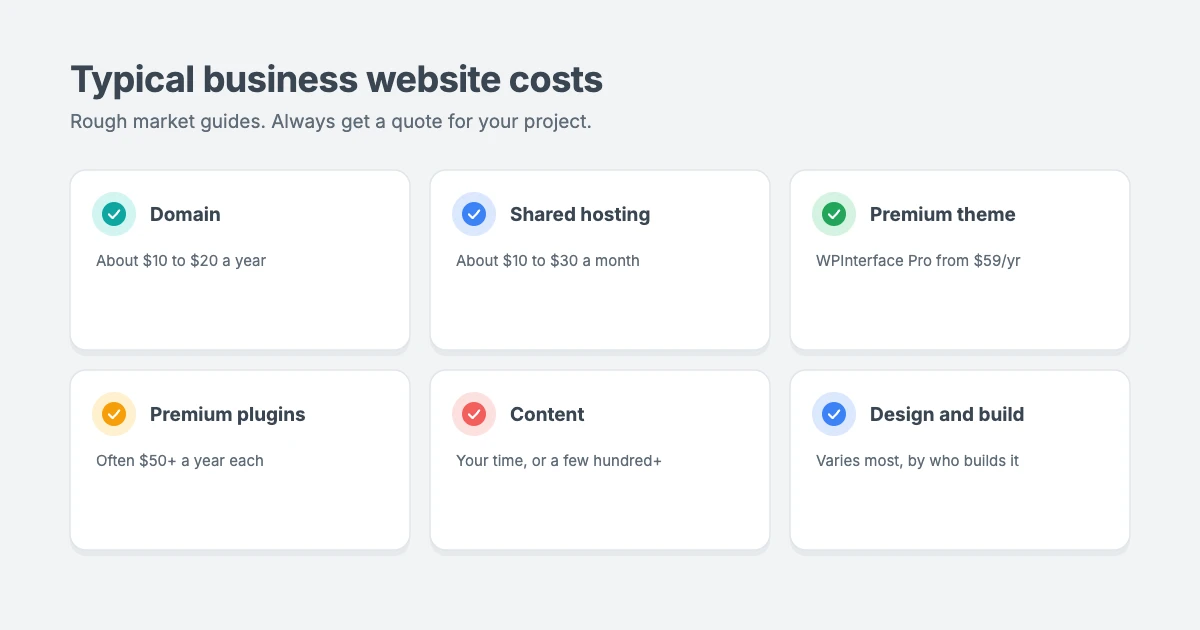
Every business website cost is built from the same basic parts. Here are the typical prices we see across the market. They’re rough guides, and your costs will depend on your needs and where you buy.
Domain name
Your domain is your website’s address, such as yourbusiness.com. You can register one with any accredited registrar listed by ICANN. Most domains cost around $10 to $20 a year. Premium or very short domains can cost much more.
Our view: pick a short, memorable domain that matches your business name, and register it for several years so you don’t accidentally lose it.
Hosting
Hosting is where your website lives. Shared hosting for a small business usually costs around $10 to $30 a month, while managed WordPress hosting and higher-traffic sites cost more.
Our view: don’t choose hosting on price alone. Slow or unreliable hosting costs you customers. A good managed host is often worth the small extra cost for a business site.
Theme
Your theme controls how your site looks and works. Free themes exist, but a premium theme usually gives you more layouts, better support and regular updates. WPInterface Pro themes start at $59 a year for one site, with a $99 lifetime licence for up to 10 sites.
Our view: a quality premium theme is one of the best-value parts of any business website. It gives you a professional design for a fraction of the cost of a custom one.
Plugins
Plugins add features such as contact forms, SEO tools, booking systems, online stores and backups. Many are free, while premium plugins usually cost from around $50 to a few hundred dollars a year each.
Our view: only install what you need. Every extra plugin is another thing to update, another possible security risk and another cost that renews every year.
Content
Content includes your text, photos, logos and videos. If you write it yourself, the cost is your time. Hiring a copywriter, photographer or designer can cost anywhere from a few hundred to several thousand dollars.
Our view: content is the part businesses underspend on most. A beautiful design can’t make up for vague, unclear text. If your budget is tight, spend it on clear words and real photos of your business.
Design and development
If you hire someone to build your site, this is usually the biggest single cost. It depends on who you hire, how many pages you need and whether you need custom features.
DIY vs freelancer vs agency: what we really think
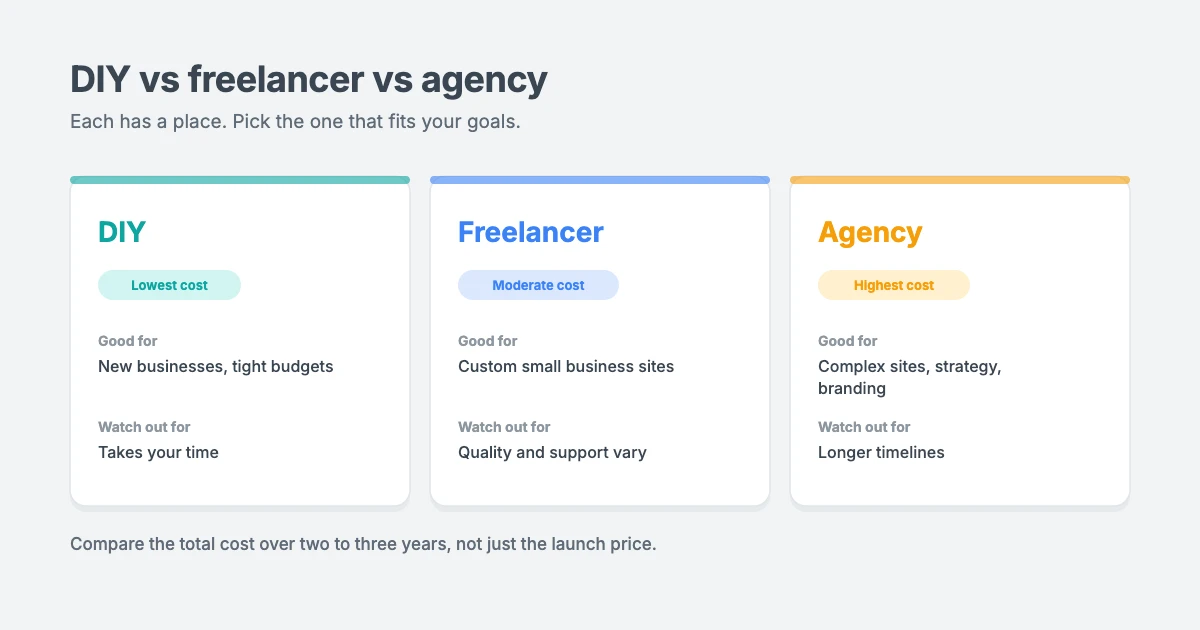
How you build your site has the biggest effect on your business website cost. There are three main ways to do it. Each one has a place, and the right choice depends on your time, budget and goals.
Building it yourself
Building your own WordPress site is the cheapest option. You’ll typically pay a few hundred dollars a year for your domain, hosting, theme and a few plugins.
- Good for: new businesses, tight budgets and owners who enjoy learning.
- Watch out for: the time it takes, and the risk of a site that looks unfinished or doesn’t work well on phones.
Our view: DIY is a great choice if you use a good theme with ready-made starter sites. Starting from a professional layout and swapping in your own content is much faster and safer than designing from scratch.
Hiring a freelancer
A freelancer can build a small business website for a moderate budget, often somewhere in the low thousands of dollars, depending on their experience and your requirements.
- Good for: small businesses that want a custom, professional site without agency prices.
- Watch out for: quality varies a lot, and a single person may have limited availability for support later.
Our view: ask to see real sites they’ve built, check who will maintain the site after launch, and make sure you’ll own your domain, hosting account and content.
Hiring an agency
Agencies bring a full team, including strategy, design, copywriting, SEO and development. Prices are higher, often ranging from several thousand to tens of thousands of dollars for a complete project.
- Good for: established businesses, complex sites and companies that need strategy and branding as well as a website.
- Watch out for: longer timelines, higher ongoing costs, and paying for more than you need.
Our view: an agency is worth it when you need the extra expertise. For many small businesses, it’s more than they need.
A rough guide by website type
| Website type | DIY | Freelancer | Agency |
|---|---|---|---|
| One-page site | Lowest cost | Low | Moderate |
| Small business site (5 to 10 pages) | Low | Moderate | High |
| Service business with bookings or custom features | Low to moderate | Moderate to high | High |
| Online store | Moderate | High | Very high |
| Custom web application | Rarely DIY | Very high | Highest |
We’ve kept this table deliberately simple. Prices vary so much between countries, providers and project scope that exact numbers can be misleading. Always get a written quote for your specific project.
The hidden costs nobody mentions
The launch price is only part of your business website cost. These ongoing costs catch many owners by surprise:
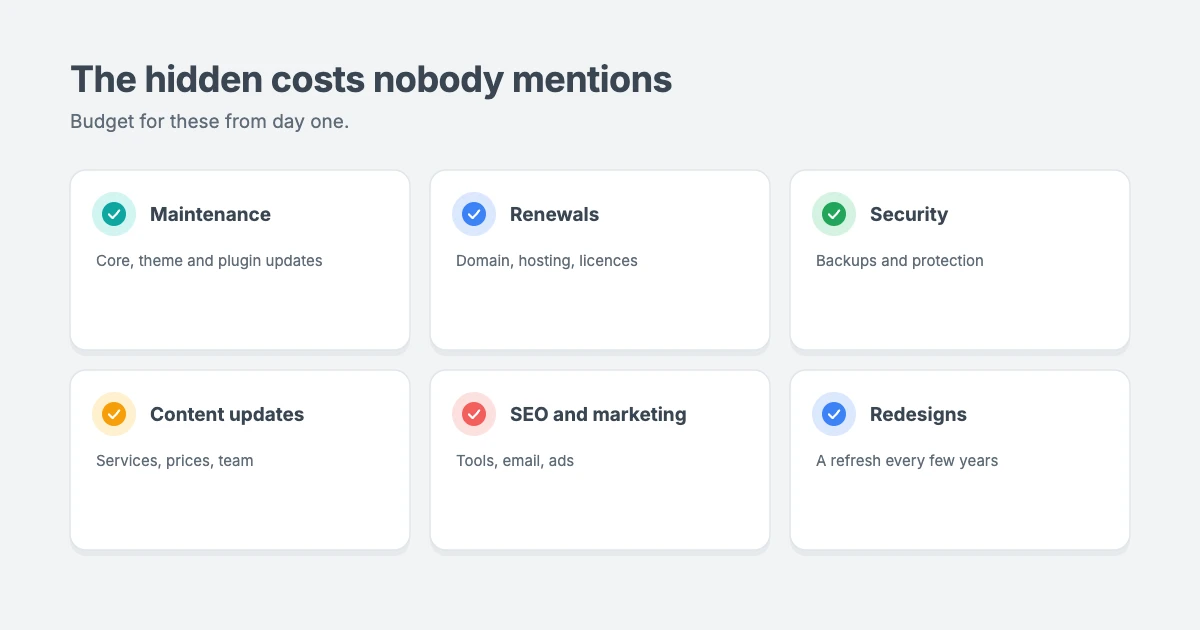
- Maintenance and updates. WordPress, themes and plugins need regular updates to stay secure and working.
- Renewals. Domains, hosting, premium themes and plugins usually renew every year.
- Security and backups. Protecting your site, and fixing it if it’s ever hacked, has a cost.
- Content updates. New services, prices, team members and offers all need adding.
- SEO and marketing tools. Many businesses add tools to track rankings, send emails or run ads.
- Redesigns. Most business sites need a refresh every few years to keep up with design trends and new technology.
Our view: budget for these from day one. A website you can’t afford to maintain will slowly become slow, outdated and insecure. If you don’t want to handle it yourself, a care plan turns those unpredictable costs into one predictable one.
So how much should you spend?
There’s no single right business website cost for everyone, but here’s how we’d think about it:
- Local service businesses, such as plumbers, salons and consultants, usually need a clear, fast site with contact details, services and reviews. A DIY build with a quality theme, or a modest professional setup, is often enough.
- Solo professionals and freelancers benefit from a polished, personal site that shows their work and makes it easy to get in touch.
- Growing companies with several services or locations may need a freelancer or small agency, plus a plan for regular content.
- Online stores need a bigger investment in design, payments, security and performance, because the site is the business.
In our opinion, the smartest approach is to start with a strong foundation and grow from there. You don’t need every feature on day one. Launch with what your customers need most, then add more as your business grows.
Questions to ask before you pay for a website
Whoever you hire, these questions will help you understand your real business website cost and avoid nasty surprises:
- What exactly is included? Ask for a written list of pages, features and revisions.
- Who owns the domain, hosting and content? You should, in your own name.
- What happens after launch? Find out who handles updates, backups and fixes, and what it costs.
- Which licences renew each year? Themes, plugins and tools can add up over time.
- Can I edit the site myself? You shouldn’t need to pay someone every time you change a phone number.
5 ways to reduce your business website cost
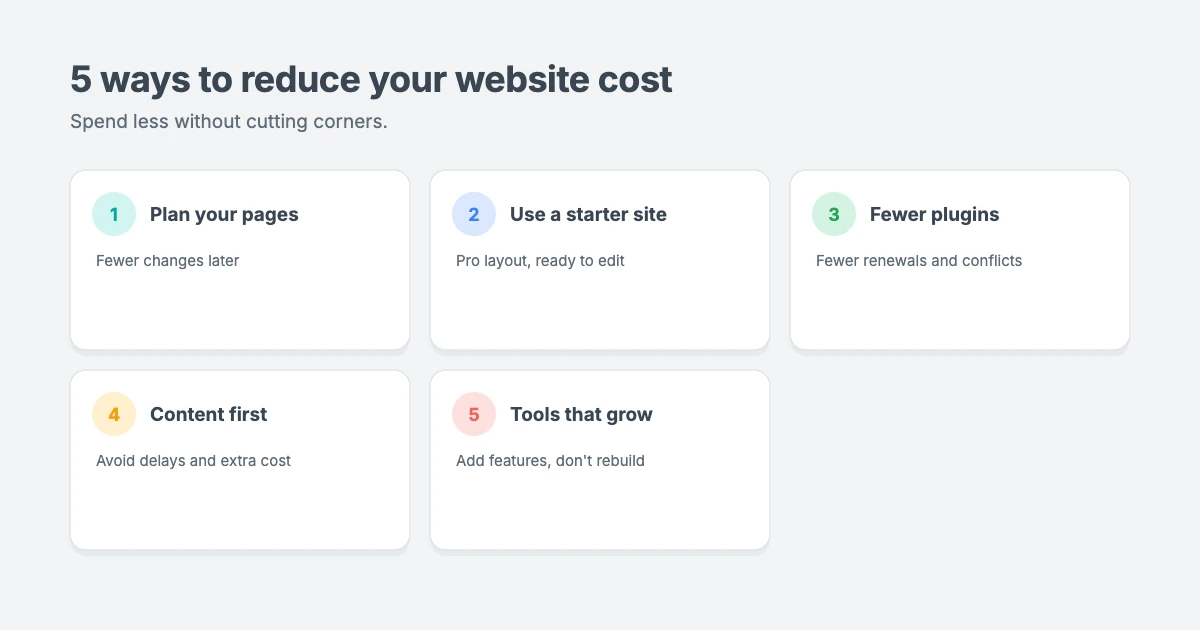
- Plan your pages first. Write a simple list of the pages you need and what each one should do. Clear plans mean fewer changes and lower costs.
- Start from a premium theme’s starter site. Starter sites give you a professional layout you can customise, instead of paying for a design from scratch.
- Avoid unnecessary plugins. Fewer plugins mean fewer renewals, fewer conflicts and a faster site.
- Prepare your content in advance. Have your text, logo and photos ready before the build starts. Waiting for content is one of the most common causes of delays and extra costs.
- Choose tools that grow with you. WordPress lets you add pages, features and even an online store later, so you won’t have to start again as your business grows.
Why we recommend WordPress for business websites
It’s no surprise that we’re fans of WordPress, but we think the case is strong, and it can keep your business website cost low over the long term:
- You own your site. You’re not locked into one company’s platform or pricing.
- It grows with you. Start small and add blogs, bookings, memberships or an online store later.
- There’s a huge choice of themes, plugins and professionals, so you’re never stuck with one provider.
- It can be very cost-effective, especially when you start with a well-built premium theme.
Business-ready WPInterface Pro themes
A quality theme is one of the easiest ways to keep your business website cost down. These themes give you a professional starting point for your business website, without the cost of a custom design.
Business Interface Pro
Business Interface Pro is a lightweight multipurpose business theme with 12 starter sites, so you can launch a professional site quickly and customise it to fit your brand.

Corporate Interface Pro
Corporate Interface Pro is a modern corporate theme for companies, agencies and consultancies that want a polished, trustworthy online presence.

Coworking Interface Pro
Coworking Interface Pro is a modern theme for coworking spaces, shared offices and flexible workspaces.

You can see all our themes on the WordPress themes page. If you need more than one site, the All-Access Pass gives you every theme.
Let our team build and look after your website
If you’d rather not build it yourself, the WPInterface team can help keep your business website cost clear, with upfront pricing:
- WordPress Installation and Theme Setup: $99 to install WordPress, set up your theme and import the demo content, ready for your own text and images.
- WordPress Theme Customization: match your theme to your brand with update-safe changes, with a fixed quote within 1 day.
- Custom WordPress Development: custom features and integrations, with a fixed quote and code you own.
- WordPress Care Plans: weekly updates, daily backups and monitoring, so ongoing costs stay predictable.
- VIP Support: a $29 priority ticket when you need quick expert help.
You can also see all our professional WordPress services.
Frequently asked questions
How much does a business website cost?
It depends on the type of site and who builds it. A simple DIY WordPress site can cost a few hundred dollars a year, a freelancer-built site often costs a few thousand dollars, and agency projects can cost much more. Always include ongoing costs in your budget.
What are the ongoing costs of a business website?
Typical ongoing business website costs include your domain, hosting, theme and plugin renewals, maintenance, security, backups and content updates.
Is it cheaper to build a website yourself?
Yes, building it yourself usually gives you the lowest business website cost in money, but it costs you time. Using a premium theme with starter sites can make DIY much faster and more professional.
Should I hire a freelancer or an agency?
A freelancer is often a good fit for small business sites on a moderate budget. An agency makes sense for larger, more complex projects that need strategy, branding and a full team.
Why do website prices vary so much?
Business website cost depends on the number of pages, custom features, design work, content, who builds it and where they’re based. Two websites that look similar can need very different amounts of work behind the scenes.
Is WordPress good for business websites?
Yes. WordPress is flexible, widely supported and lets you own your website. It works for everything from one-page sites to large online stores.
Final thoughts
A business website cost isn’t just a one-time expense. It’s an investment you’ll keep paying into, so it’s worth getting the foundations right. Our advice is to start with a reliable platform like WordPress, use a quality theme, spend wisely on clear content, and plan for ongoing care from day one.
Whether you build it yourself, hire a freelancer or work with an agency, focus on what your customers need. A clear, fast and well-maintained website will almost always beat an expensive one that’s hard to use.
Reactions
How did this make you feel?
Be the first to react
One reaction per visitor. Tap again to change or remove it.




Leave a reply