Every year or so, someone declares that WordPress is outdated. New website builders launch with slick demos, and it’s easy to wonder whether a platform that started in 2003 can still keep up.
We build WordPress themes and look after WordPress sites every day, so when people ask us “is WordPress outdated?”, we have a strong opinion. Our honest answer is no: WordPress isn’t outdated. But it isn’t perfect either, and some of the criticism is fair.
In this opinion piece, we’ll look at the good, the bad and the ugly sides of WordPress in 2026, so you can decide for yourself whether it’s still the right platform for your website.
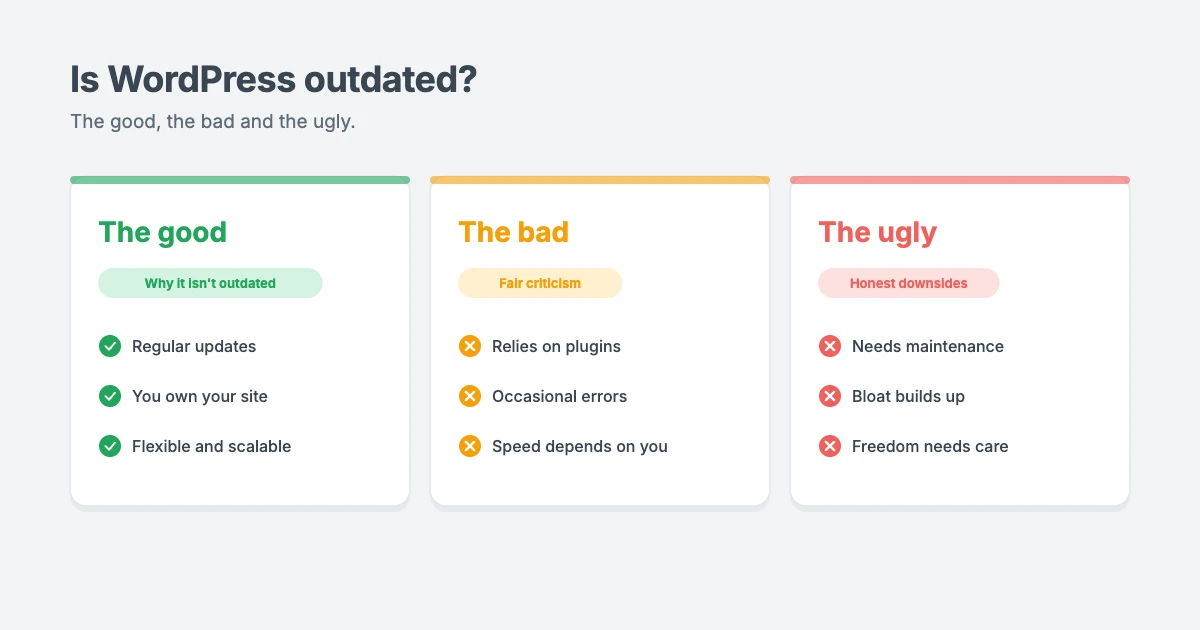
Is WordPress outdated? The short answer
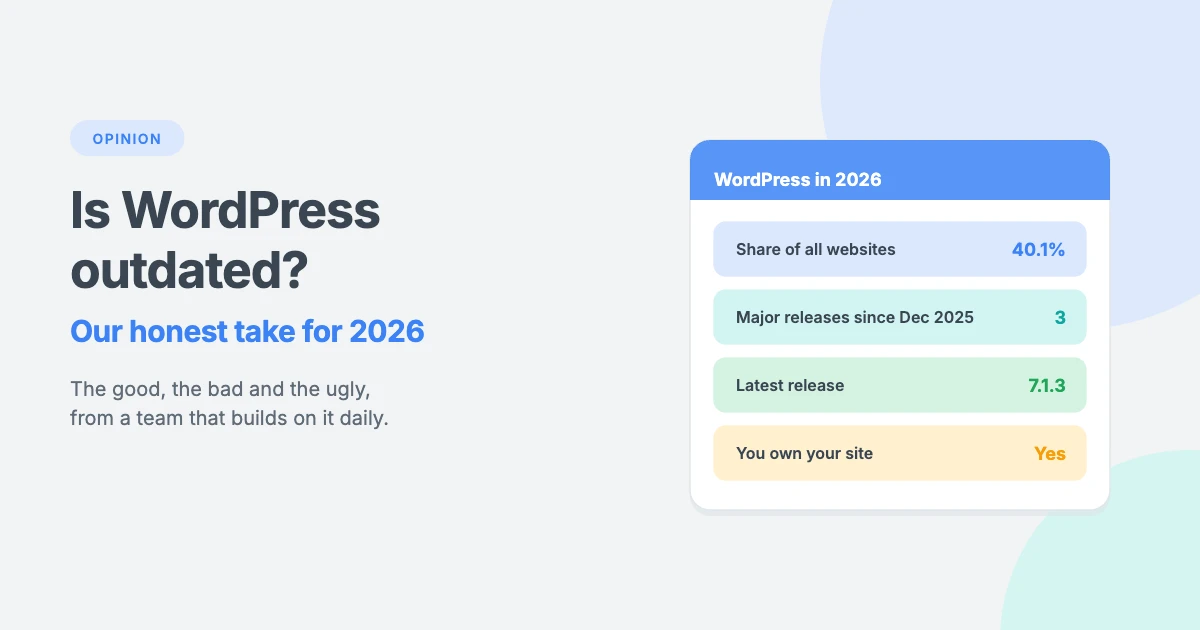
No. WordPress in 2026 is still the most popular way to build a website. According to W3Techs, WordPress powers 40.1% of all websites and 58.6% of websites that use a known content management system, as of October 2026.
Popularity alone doesn’t prove a platform is modern, so is WordPress outdated in other ways? What matters more is that WordPress keeps changing. Between December 2025 and August 2026 alone, it shipped three major releases: 6.9, 7.0 and 7.1. The latest maintenance and security release, 7.1.3, arrived in October 2026.
A platform that ships major releases several times a year and patches security issues quickly isn’t standing still.
A quick note: in this article, WordPress means the free, self-hosted software from WordPress.org, not the hosted WordPress.com service.
Why people say WordPress is outdated
The “WordPress is outdated” argument usually comes from a few places:
- Old sites. Many WordPress sites were built years ago and never updated. They look dated, but that’s the site, not the software.
- Slow sites. Heavy themes, too many plugins and cheap hosting make some WordPress sites slow, and people blame WordPress itself.
- Hacked sites. Sites running old plugins and old versions of WordPress get hacked, which gives WordPress a reputation it doesn’t fully deserve.
- Shiny alternatives. All-in-one website builders feel simpler at first, because they make many decisions for you.
These are real problems. But when you ask “is WordPress outdated?”, most of them come from how a site is built and looked after, not from WordPress itself.
The good: why WordPress isn’t outdated
If you’re wondering “is WordPress outdated?”, these strengths are the best answer. Here’s what WordPress in 2026 does well.
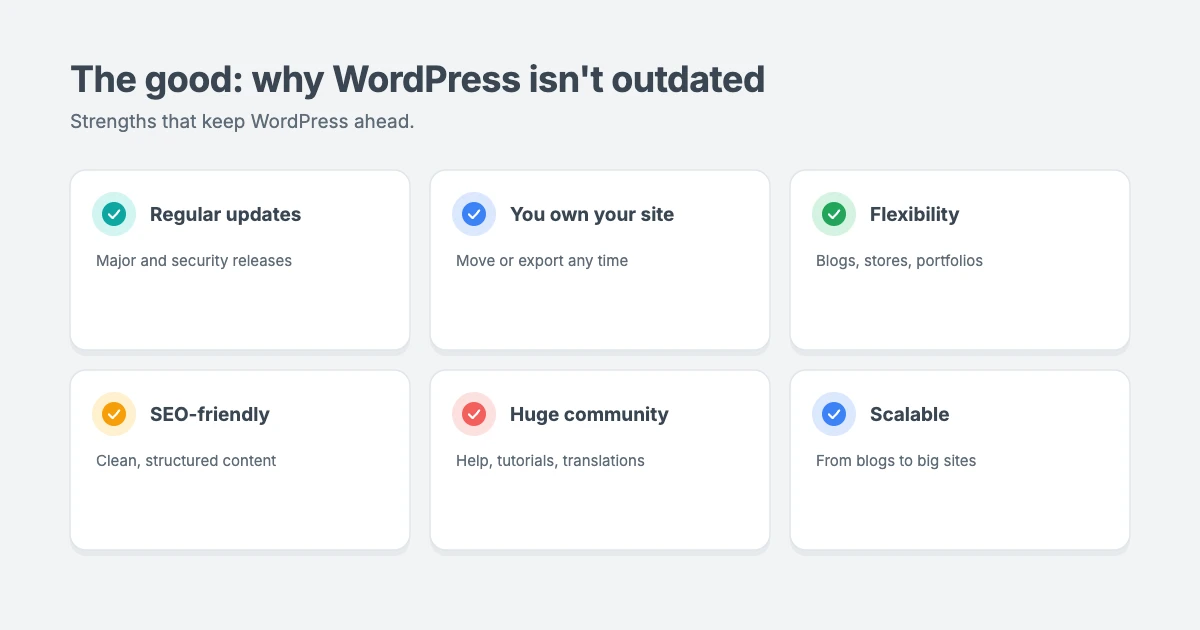
1. Regular updates
WordPress follows a steady release cycle, with major releases that add features and smaller releases that fix bugs and security issues. Minor security releases can update automatically, so many sites are protected without the owner lifting a finger.
2. You own your website
This is the biggest reason we still choose WordPress. Your content, design and data are yours. You can move hosts, change themes or export everything whenever you like. With a closed website builder, you rent your site, and leaving can mean starting again.
3. Flexibility for almost any website
Blogs, news magazines, business sites, portfolios, online stores, membership sites and directories can all run on WordPress. Themes control how your site looks, and plugins add features. That’s why we can build themes for news publishers, bloggers, businesses and freelancers on the same platform.
4. A modern editor
The block editor lets you build pages visually with blocks for text, images, columns, buttons and more. Combined with a theme’s Customizer settings, you can create professional layouts without code and without a heavy page builder.
5. SEO-friendly foundations
WordPress gives you clean permalinks, categories, tags and structured content out of the box. Add a good SEO plugin and a fast, well-coded theme, and you have everything you need to compete in search.
6. A huge community
Because so many people use WordPress, it’s easy to find tutorials, developers, designers and answers to almost any question. The software is also translated into many languages, which is one reason we make every WPInterface theme translation ready and RTL compliant.
7. It scales
WordPress runs everything from personal blogs to large news and business sites. With good hosting, caching and a lightweight theme, it can handle a lot of traffic.
The bad: where WordPress falls short
No honest answer to “is WordPress outdated?” would be complete without the weaknesses. These are the fair criticisms of WordPress in 2026.
1. Relying on plugins
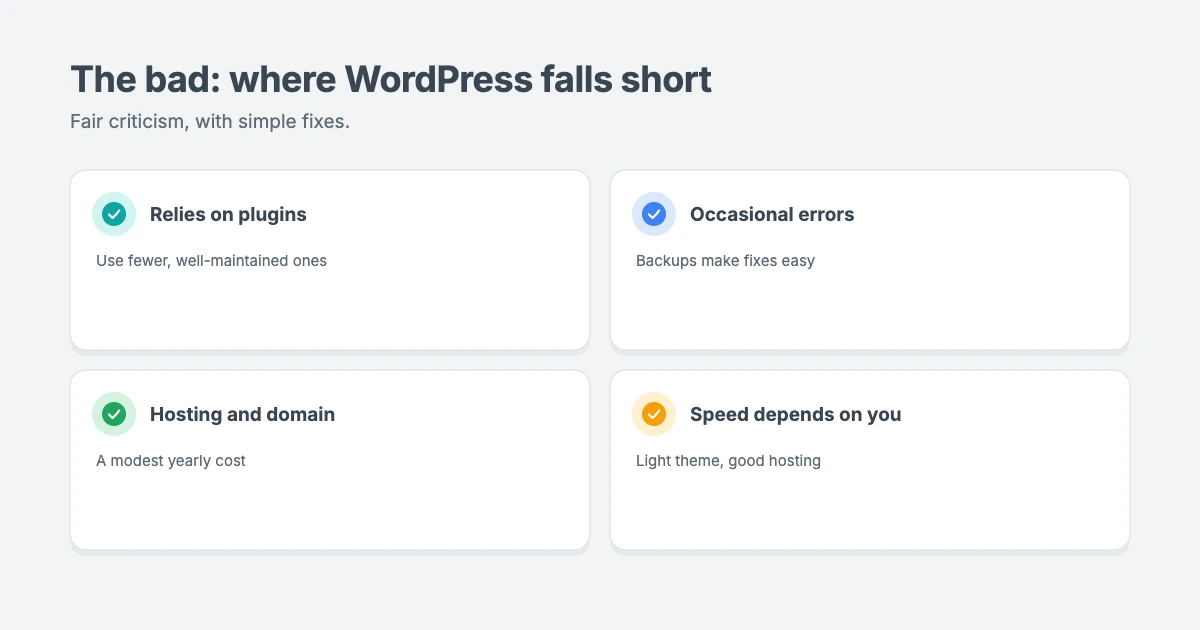
Plugins are a huge strength, but they also bring risk. Two plugins that do the same job can clash, and an abandoned plugin can become a security problem. Our advice is to use fewer, well-maintained plugins and remove anything you don’t use.
2. Occasional errors
Most WordPress sites run smoothly, but errors such as a white screen, a 500 error or a broken update do happen. They’re usually easy to fix, but they can be stressful for beginners. Keeping backups and testing big updates first takes most of the fear away.
3. You pay for hosting and a domain
WordPress itself is free, but you’ll need hosting and a domain name. For most small sites, that’s a modest yearly cost. Our opinion piece on how much a business website really costs breaks the numbers down.
4. Speed depends on your choices
A WordPress site can be very fast, or very slow. Hosting, your theme, image sizes, plugins and database health all matter. Choosing a lightweight theme and good hosting from the start avoids most speed problems.
The ugly: the honest downsides
These are the bigger issues. They don’t make WordPress outdated, but they’re the reason some WordPress sites end up feeling that way.
1. It needs regular maintenance
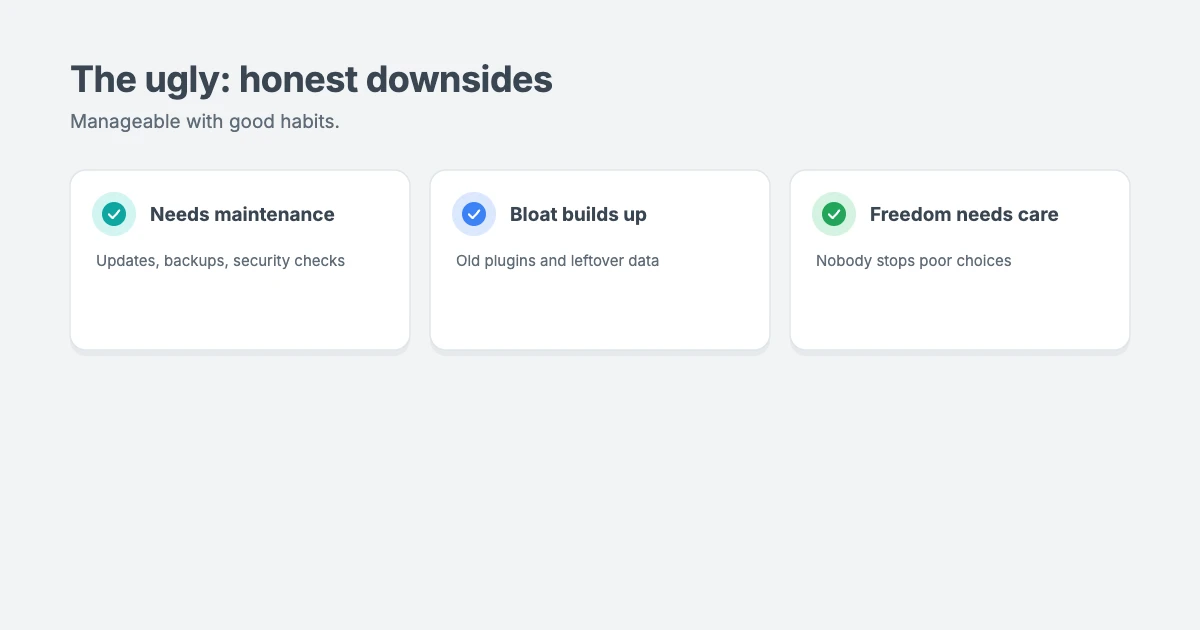
This is the real cost of WordPress. Updates, backups, security checks and the occasional clean-up are your job, or the job of someone you hire. Skip them for long enough, and your site becomes slow, outdated and easier to hack. That’s exactly how the “outdated WordPress” reputation spreads.
2. Bloat builds up over time
Over the years, old plugins, unused themes, leftover settings and heavy page builders can slow a site down. Old data in the database is a common cause, which we cover in our guide to WordPress autoloaded options.
3. Freedom comes with responsibility
WordPress gives you full control, which also means nobody stops you from making poor choices, such as installing dozens of plugins or skipping updates. Closed builders limit your choices, which protects some beginners but also limits what you can build.
Is WordPress outdated compared to website builders?
| WordPress | Hosted website builders | |
|---|---|---|
| Ownership | You own your site and data | You rent your site from the platform |
| Flexibility | Almost unlimited | Limited to the builder’s features |
| Cost | Hosting, domain and optional premium tools | Monthly subscription |
| Maintenance | Your job, or a care plan | Mostly handled for you |
| Moving away | Easy to move hosts or export | Often means rebuilding |
| Best for | Sites you want to grow and fully control | Very simple sites with few changes |
So, is WordPress outdated next to website builders? Not in our view. For a simple one-page site that will never grow, a hosted builder can be fine. For anything you want to grow, customise or fully own, we’d choose WordPress every time.
How to keep your WordPress site from feeling outdated
Keeping your site modern is the easiest way to prove that WordPress in 2026 is anything but outdated.
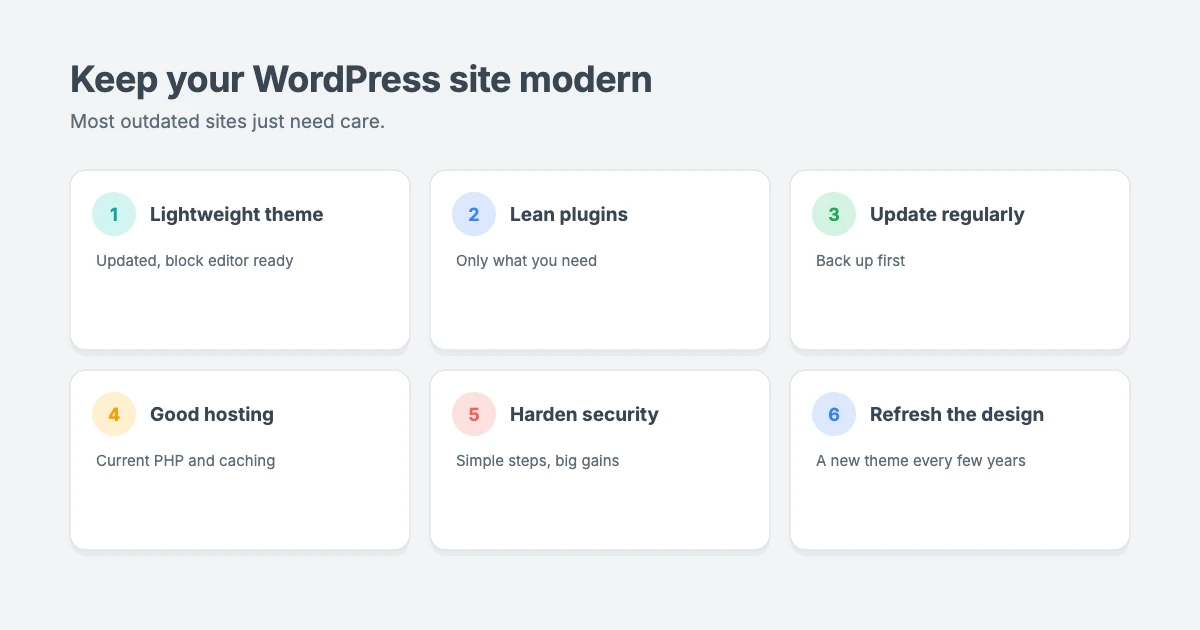
If WordPress isn’t outdated, why do so many WordPress sites feel that way? Usually, it comes down to a few habits:
- Use a modern, lightweight theme that’s actively updated, works with the block editor and doesn’t depend on a heavy page builder.
- Keep plugins lean. Install only what you need, and choose plugins that are updated regularly.
- Update regularly. Keep WordPress, your theme and your plugins up to date, and take a backup first.
- Choose good hosting that supports current versions of PHP and offers caching.
- Harden your security. Our guide to manually hardening WordPress security covers simple steps that make a big difference.
- Refresh your design every few years. A new theme can make an old site feel brand new, without losing your content.
Modern themes for WordPress in 2026
WPInterface Pro themes are built for today’s WordPress: lightweight, block editor ready, translation ready and RTL compliant, with design settings in the WordPress Customizer and no page builder required.
MagNine Pro
MagNine Pro is a clean magazine theme with flexible layouts for categories and featured stories, without the weight of a page builder.

Business Interface Pro
Business Interface Pro is a lightweight multipurpose business theme with 12 starter sites, ideal for giving an older company website a fresh, modern look.

Portfolico Pro
Portfolico Pro is a fast personal portfolio and resume theme for designers, developers, photographers and freelancers, with a fixed side panel and photo grids.

You can see all our themes on the WordPress themes page.
Let our team modernise your WordPress site
If your site feels outdated, even though WordPress in 2026 isn’t, the WPInterface team can help:
- WordPress Care Plans: updates, backups and monitoring, so maintenance never falls behind.
- WordPress Speed Optimization: we make your site faster and improve your Core Web Vitals, starting with a free speed audit.
- WordPress Theme Customization: we tailor your WPInterface theme to match your brand.
- WordPress Migration: move to better hosting without losing your rankings.
- VIP Support: a $29 priority ticket for quick expert help.
Frequently asked questions
Is WordPress outdated, or still relevant in 2026?
WordPress isn’t outdated, and it’s still very relevant. WordPress powers 40.1% of all websites according to W3Techs, and it shipped three major releases between December 2025 and August 2026.
Is WordPress dying?
No. It’s still the most widely used content management system, with an active community and regular releases.
Why do some WordPress sites look outdated?
Usually because they use old themes, haven’t been updated or haven’t had a design refresh in years. A modern theme and regular maintenance fix most of this.
Is WordPress secure?
WordPress core is actively maintained and security issues are patched quickly. Most hacked sites run old software or weak passwords, so updates and good security habits matter most.
Should I use WordPress or a website builder?
If you want to own your site, grow it and customise it freely, choose WordPress. If you need a very simple site and never want to think about maintenance, a hosted builder can work.
Is WordPress hard to learn?
The basics, such as writing posts and adding pages, are easy to learn. More advanced setups take longer, but there are many tutorials and professionals who can help.
Final thoughts
Is WordPress outdated? We don’t think so. WordPress in 2026 is popular, actively developed, flexible and fully yours. Its real weaknesses, such as maintenance and plugin overload, are manageable with good habits.
So the real answer to “is WordPress outdated?” is no. Most “outdated” WordPress sites are simply sites that haven’t been looked after. Pair WordPress with a modern, lightweight theme, keep things updated, and your website can feel as fresh as anything built on a newer platform.
Reactions
How did this make you feel?
Be the first to react
One reaction per visitor. Tap again to change or remove it.



Leave a reply