Do you want to build a website where other creators can sell their ebooks, templates, music, courses or software, while you take a small share of every sale? That’s a digital product marketplace, and you can run one on WordPress without writing code.
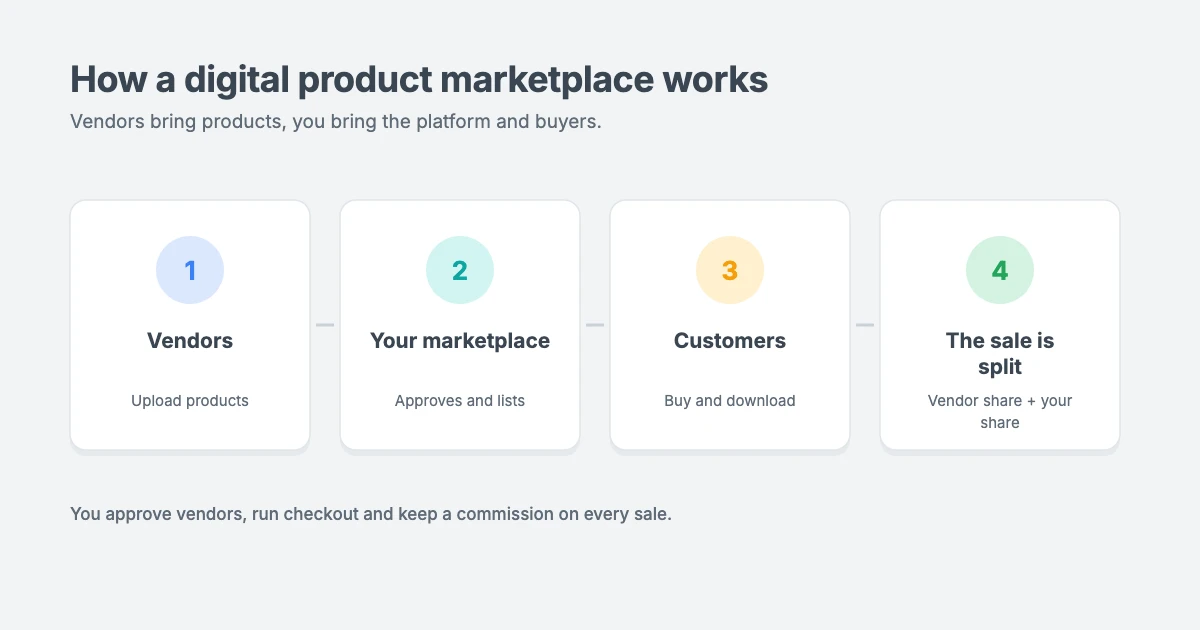
A digital product marketplace is a great business model because you don’t need to create every product yourself. Vendors bring the products, you bring the platform and the customers, and everyone earns.
In this guide, we’ll show you how to create a digital product marketplace in WordPress step by step, using Easy Digital Downloads, the same plugin we use to sell our own themes and plugins here at WPInterface.
What is a digital product marketplace?
A digital product marketplace is an online store where many independent sellers, called vendors, list and sell downloadable products. Customers can browse products from all vendors in one place, pay once at checkout and download their files straight away.
As the marketplace owner, you:
- Approve vendors and their products
- Handle checkout and payments
- Keep a commission on each sale and pay the rest to the vendor
- Market the whole marketplace to attract buyers
Popular digital products include ebooks, design templates, photos, fonts, music, video presets, printables, online courses, WordPress themes and plugins, and other software.
Why use WordPress for your marketplace?
WordPress powers more than 40% of all websites, according to W3Techs, and it’s a strong choice for a digital product marketplace because:
- You own your platform. You set the rules, the commission rates and the design.
- There’s no per-sale platform fee from WordPress itself. You only pay for hosting, plugins and payment processing.
- It grows with you. You can start by selling your own products and add vendors later.
- It’s great for SEO. Blog posts, product pages and category pages help buyers find you in search.
What you’ll need
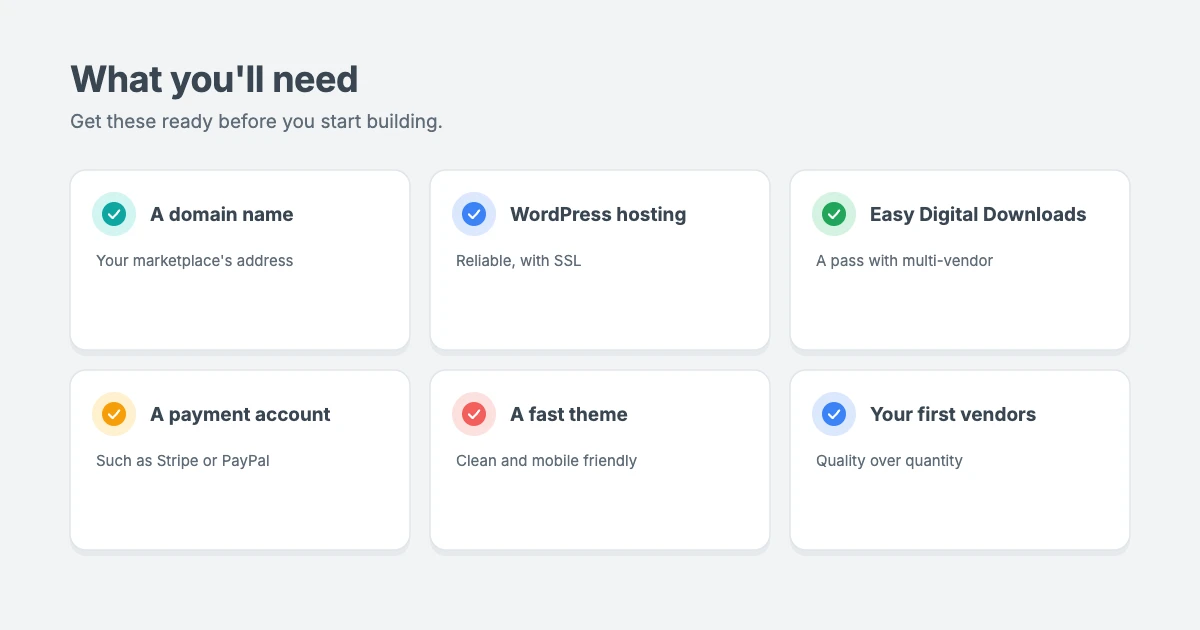
Before you build your digital product marketplace, make sure you have:
- A domain name, such as yourmarketplace.com.
- Reliable WordPress hosting with an SSL certificate, so checkout pages are secure. Marketplaces store files and handle payments, so avoid the cheapest plans.
- Easy Digital Downloads with a pass that includes multi-vendor features. The free version of Easy Digital Downloads is great for selling your own products, but the multi-vendor marketplace and commissions features need a paid pass.
- A payment account, such as Stripe or PayPal.
- A fast, clean WordPress theme for your storefront.
How much does Easy Digital Downloads cost?
At the time of writing (October 2026), the multi-vendor marketplace and commissions features are included in these Easy Digital Downloads passes:
| Pass | First-year price | Regular price | Sites | Multi-vendor and commissions |
|---|---|---|---|---|
| Personal | $99.50 a year | $199 a year | 1 | Not included |
| Extended | $199.50 a year | $399 a year | 1 | Not included |
| Professional | $299.50 a year | $599 a year | 2 | Included |
| All Access | $499.50 a year | $999 a year | 3 | Included |
First-year prices are introductory, and renewals are at the regular price. Every pass includes a 14-day money-back guarantee. Check the Easy Digital Downloads pricing page for the latest prices before you buy.
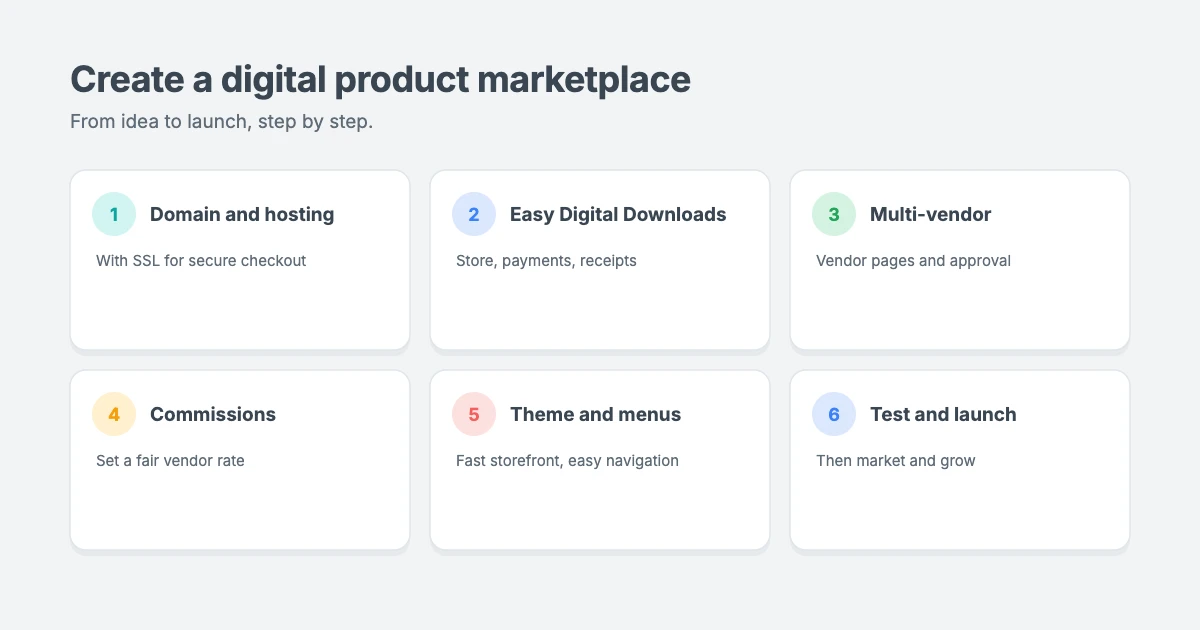
Step 1: Set up your domain, hosting and SSL
Every digital product marketplace needs a home. Register your domain, choose a WordPress hosting plan and install WordPress. Most hosts offer one-click WordPress installation and a free SSL certificate.
Once WordPress is running, make sure your site loads with https:// in the address bar. Then go to Settings » General and check that both your WordPress Address and Site Address use https.
If you’d rather skip the technical setup, our WordPress Installation and Theme Setup service handles it for you for $99.
Step 2: Install and set up Easy Digital Downloads
In your WordPress dashboard, go to Plugins » Add New, search for Easy Digital Downloads, then install and activate it. If you’ve bought a pass, enter your licence key in the plugin settings to unlock the paid features.
Next, go to Downloads » Settings and work through the main tabs:
- General: add your business name and address and choose your store pages, such as checkout, purchase confirmation and purchase history.
- Payments: choose your currency and connect a payment gateway such as Stripe. Turn on test mode first, so you can place practice orders without real money.
- Emails: customise the purchase receipt customers get after buying, including your logo and a friendly message.
- Marketing and Misc: review the remaining options, such as whether customers can check out as guests.
Save your changes on each tab.
Step 3: Turn on multi-vendor marketplace features
This is what turns a normal store into a digital product marketplace. With a pass that includes the multi-vendor features, install the marketplace and commissions add-ons from your Easy Digital Downloads account, then set them up:
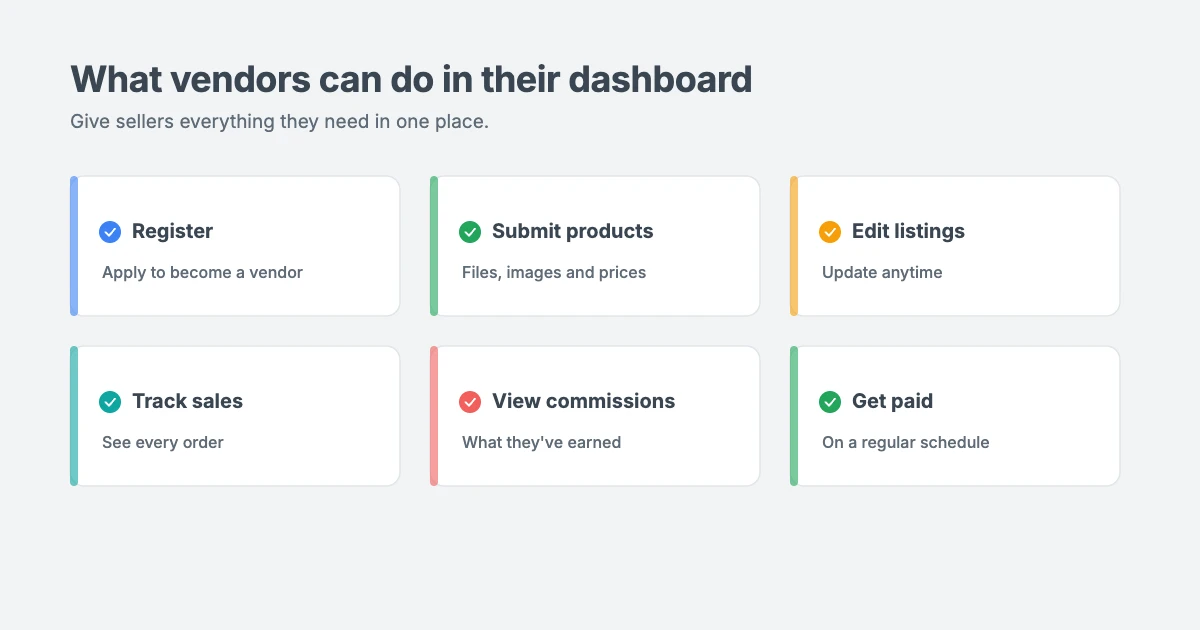
- Create the vendor pages. Add pages for vendor registration, logging in and the vendor dashboard, where sellers upload and manage their products.
- Build your submission form. Choose which details vendors must provide, such as the product name, description, price, images and download file.
- Decide how vendors are approved. For quality control, we recommend approving new vendors and reviewing new products manually, at least at first.
- Set your commission rate. Choose the percentage of each sale that goes to vendors. You can usually set a store-wide rate and adjust it for individual vendors.
- Choose how you’ll pay vendors. Commissions are recorded for each sale, and you can review and pay what you owe vendors on a regular schedule, such as monthly.
How commissions work
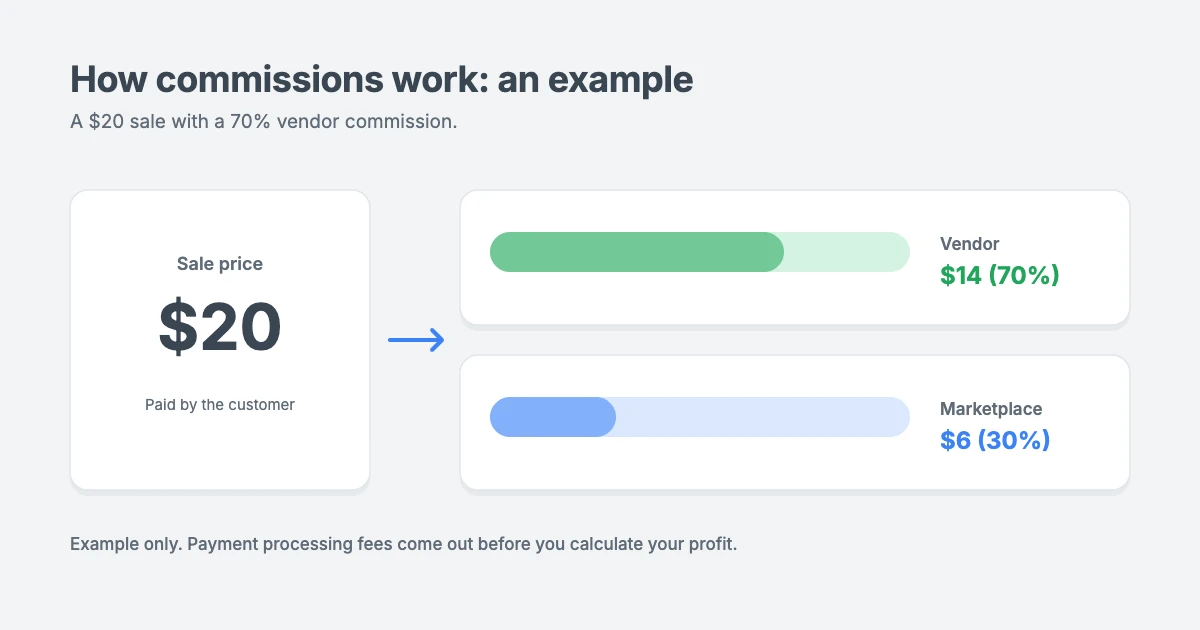
Commissions are how a digital product marketplace makes money. Here’s a simple example. Say a vendor sells a template for $20 and you set a 70% vendor commission. The vendor earns $14 and your marketplace keeps $6, before payment processing fees.
Pick a rate that’s fair for vendors and still covers your costs, such as hosting, marketing, support and payment fees. Publish your commission rate and payout schedule clearly on your “Become a vendor” page, so sellers know what to expect.
Step 4: Set up your marketplace emails
Clear emails build trust in your digital product marketplace with both customers and vendors. Review the emails your marketplace sends, including:
- Purchase receipts with download links for customers
- New vendor application and approval emails
- New product submitted alerts for you, and product approved or rejected emails for vendors
- New sale notifications for vendors
Send a few test emails and check they arrive in the inbox, not the spam folder. If emails go missing, ask your host about email sending, or set up a dedicated email delivery service.
Step 5: Choose a theme for your marketplace
Your theme shapes how buyers see your digital product marketplace. For a digital product marketplace, look for a theme that’s:
- Fast, so product pages and checkout load quickly
- Clean and simple, so product images and descriptions stand out
- Mobile friendly, because many buyers browse on their phones
- Translation ready and RTL compliant, if you plan to sell to customers around the world
We share some WPInterface themes that work well for marketplace homepages and blogs below.
Step 6: Add the vendor dashboard to your menu
Vendors need an easy way to find their dashboard in your digital product marketplace. Go to Appearance » Menus, add your vendor dashboard and “Become a vendor” pages to your main menu or footer menu, and save.
It’s also worth adding a link to your customers’ purchase history page, so buyers can download their files again later.
Step 7: Test, launch and market your marketplace
Before you launch your digital product marketplace, place a few test orders in test mode. Check that:
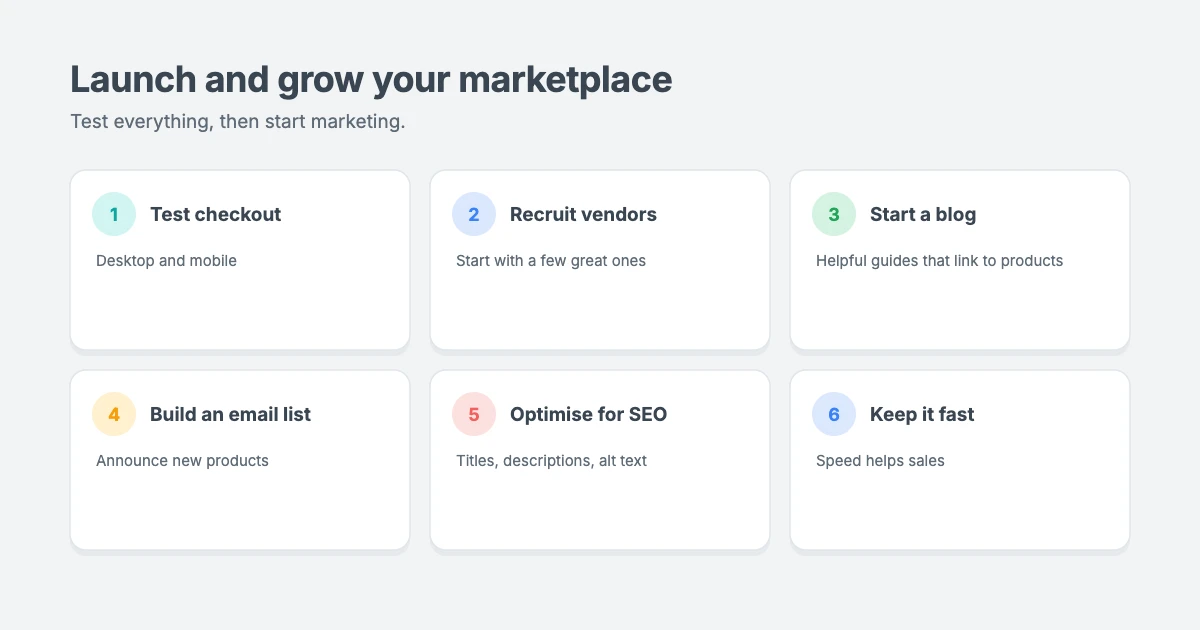
- Checkout works on desktop and mobile
- Customers receive their receipts and download links
- Vendors can submit products and see their sales
- Commissions are recorded correctly
When everything works, turn off test mode and start growing your marketplace:
- Recruit your first vendors personally. A marketplace with a handful of great products beats one with hundreds of poor ones.
- Start a blog with helpful guides that link to products.
- Build an email list and announce new products and sales.
- Optimise product pages for SEO, with clear titles, descriptions and alt text for images.
- Run launch offers, such as discount codes, to attract your first buyers.
- Keep your site fast. Our guide on how to improve INP in WordPress explains why speed matters for sales.
Selling only your own products? You may not need a marketplace
If you’re the only seller, you don’t need multi-vendor features at all. The free version of Easy Digital Downloads can sell your own digital products, and you can add a marketplace later if vendors want to join.
That’s how we sell our own themes and plugins at WPInterface. We also built Checkout with Paddle for Easy Digital Downloads Pro, which lets you take payments through Paddle, a merchant of record that handles sales tax and VAT for your own products. You can read more in our Paddle for Easy Digital Downloads review.
Note: a marketplace sells other people’s products, so check that your payment provider’s terms allow marketplace sales before you add vendors.
Wondering how Easy Digital Downloads compares with other store setups? Our guide to how much a WooCommerce store costs breaks down the costs of a typical online store.
WPInterface themes for your marketplace
All WPInterface Pro themes are lightweight, translation ready and RTL compliant, so your digital product marketplace can look professional from day one.
Business Interface Pro
Business Interface Pro is a lightweight multipurpose business theme with 12 starter sites, a flexible choice for a marketplace homepage that explains what you sell and why buyers should trust you.

Corporate Interface Pro
Corporate Interface Pro is a modern corporate theme with services, client stories, results and a booking button, ideal for presenting your marketplace and recruiting vendors.

SpeedBlog Pro
SpeedBlog Pro is a fast blog theme for travel, tech, personal and creative blogs, perfect for the content marketing side of your marketplace.

You can see all our themes on the WordPress themes page.
Let us build your marketplace with you
Setting up a marketplace involves a lot of moving parts. The WPInterface team can help:
- WordPress Installation and Theme Setup: for $99, we install WordPress and set up your theme.
- Must-Have Plugins Installation: for $59, we install and configure the essential plugins every site needs.
- Custom WordPress Development: custom features, integrations and layouts for your marketplace.
- WordPress Speed Optimization: faster product pages and checkout, starting with a free speed audit.
- WordPress Care Plans: updates, backups and monitoring, so your store stays safe.
- VIP Support: a $29 priority ticket for quick expert help.
Frequently asked questions
Can I create a digital product marketplace in WordPress for free?
You can build a single-seller digital store for free with the free version of Easy Digital Downloads. A true multi-vendor marketplace, with vendor accounts and commissions, needs a paid Easy Digital Downloads pass, plus hosting and a domain.
What can I sell on a digital product marketplace?
Almost any downloadable product, including ebooks, templates, photos, fonts, music, printables, courses, software, and WordPress themes and plugins. Make sure vendors own the rights to everything they sell.
How do marketplace owners make money?
Most marketplaces keep a commission on each sale. Some also charge vendors a listing or membership fee, or sell featured placements.
How do I pay vendors?
Easy Digital Downloads records each vendor’s commission for every sale. You can review what you owe and pay vendors on a regular schedule, such as monthly.
Do I need to handle sales tax and VAT?
Usually, yes. Digital product sales can be subject to sales tax or VAT depending on where your customers live. Speak to an accountant or tax advisor about your situation. We’re not tax advisors, and the rules vary by country.
Is Easy Digital Downloads better than WooCommerce for digital products?
Easy Digital Downloads is built only for digital products, so it’s simpler and lighter for downloads. WooCommerce is better if you also sell physical products.
Final thoughts
A digital product marketplace in WordPress lets you build a real business on top of other creators’ work, while you control the platform, the design and the commission.
Start with good hosting and Easy Digital Downloads, turn on the multi-vendor features, set a fair commission, choose a fast theme and recruit a few great vendors. Then keep testing, marketing and improving as your marketplace grows.
Reactions
How did this make you feel?
Be the first to react
One reaction per visitor. Tap again to change or remove it.




Leave a reply