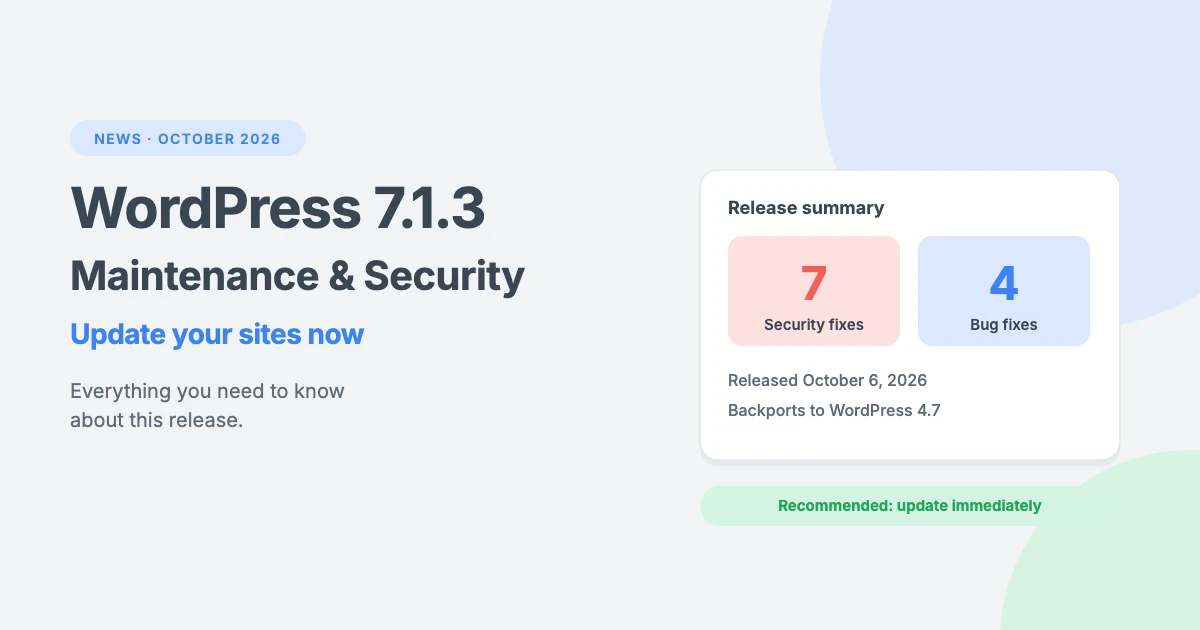
WordPress 7.1.3 is out. Released on October 6, 2026, this maintenance and security release fixes 7 security issues and 4 bugs, and the WordPress team recommends that you update your sites immediately.
Here’s everything you need to know about WordPress 7.1.3, including what it fixes, who is affected and how to update safely.
WordPress 7.1.3 at a glance
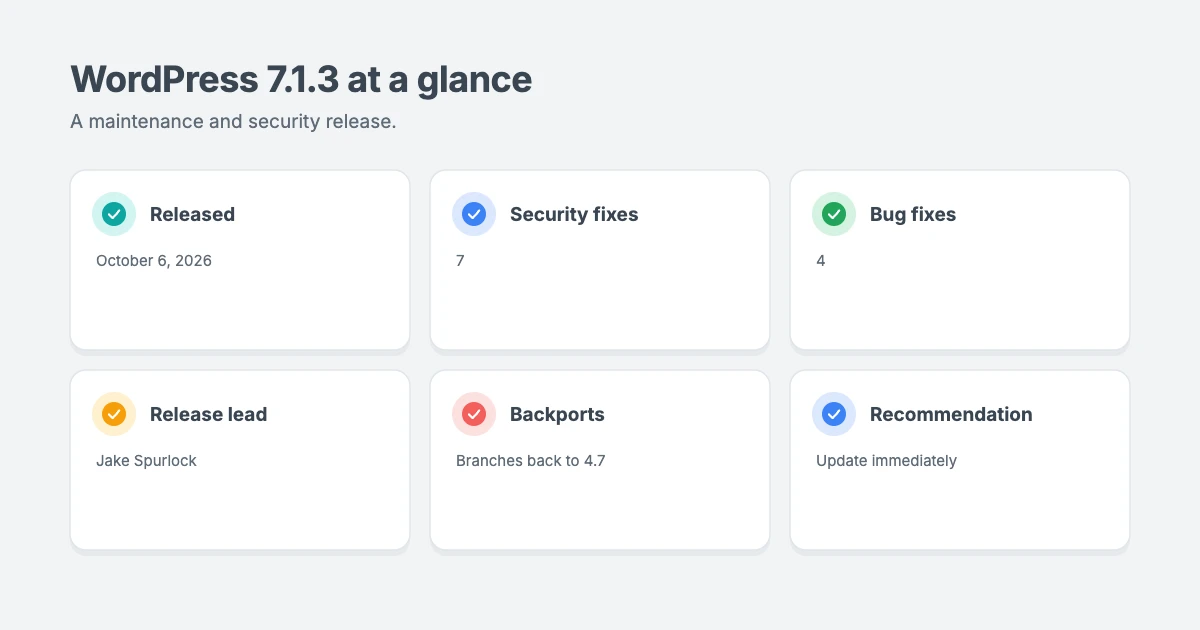
- Release date: October 6, 2026
- Type: maintenance and security release
- Security fixes: 7
- Bug fixes: 4
- Release lead: Jake Spurlock
- Recommendation: update immediately
- Older versions: security fixes are being backported to all branches that still receive security fixes, currently back to WordPress 4.7
According to the official WordPress 7.1.3 announcement, sites that support automatic background updates will start updating on their own.
The 7 security fixes in WordPress 7.1.3
WordPress doesn’t publish full technical details of security issues, so attackers can’t use them against sites that haven’t updated yet. Here’s what each fix covers, in plain English:
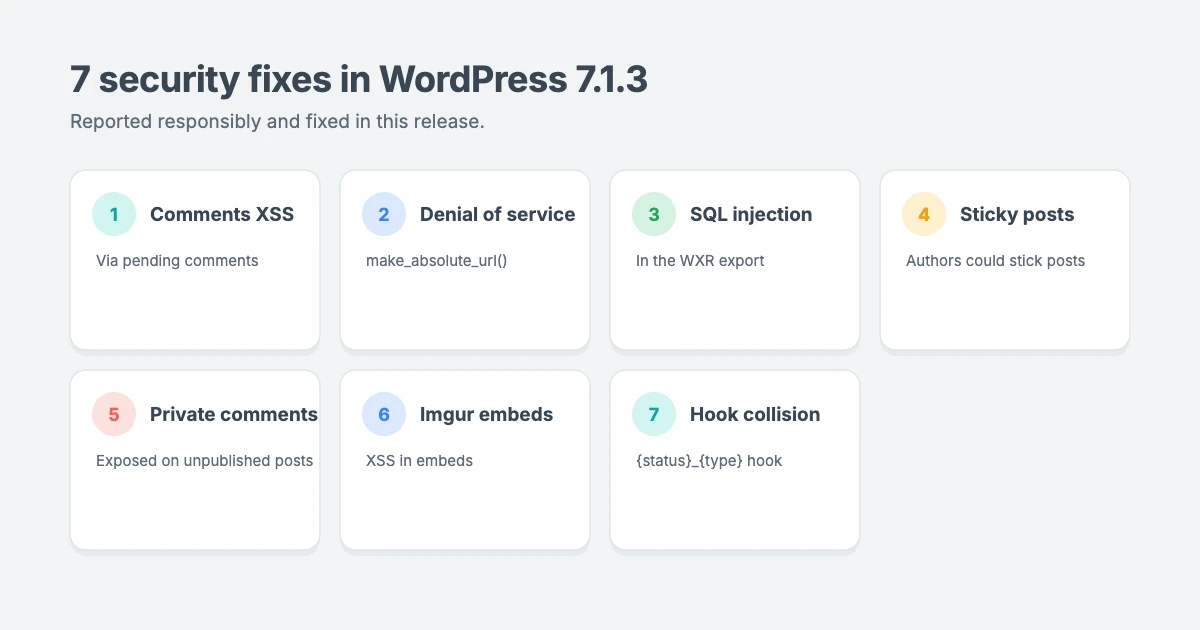
- Stored XSS on the Comments screen. A cross-site scripting issue on the Comments administration page that could be triggered through pending comments. Reported by Trail of Bits in collaboration with OpenAI.
- Denial of service in
WP_Http::make_absolute_url(). A weakness in the function WordPress uses to turn relative links into full URLs, which could be abused to slow down or overload a site. Reported by Anthropic. - Second-order SQL injection in the WXR export. A database injection issue in the WordPress export tool (Tools » Export), which creates WXR files. Reported by Anthropic.
- Authors could make posts sticky. Users with the Author role could stick posts to the front page, which should be limited to editors and administrators. Reported by Anthropic.
- Comments on private and unpublished posts could be disclosed. Visitors who weren’t logged in could see comments on posts that weren’t public. Reported by Ananda Dhakal from Patchstack.
- XSS in Imgur embeds. A cross-site scripting issue in embedded Imgur content. Reported by Zhengyu Liu, Jingcheng Yang and Gavin Zhong.
- Action name collisions in the
{status}_{type}hook. Forgeable values passed to this post status hook could trigger the wrong action name. Reported by Alex Concha of the WordPress security team.
Who is affected?
Several of these issues need a logged-in user, such as an Author, or rely on admin screens. Others, such as the comment disclosure and the denial of service issue, could be triggered by visitors. Because the fixes cover a mix of risks, every WordPress site should update, not just sites with many users.
The 4 bug fixes in WordPress 7.1.3
The WordPress 7.1.3 milestone on Trac lists four closed tickets:
- Oversized site icon in the admin toolbar (#65912). After updating to WordPress 7.1, some sites saw a huge site icon in the toolbar. The ticket traces it to an old, cached copy of the toolbar stylesheet loading with WordPress 7.1’s new markup.
- Fatal error when uploading images without the DOM extension (#66221). Uploading an image could crash a site whose server doesn’t have PHP’s DOM library installed.
- someecards.com removed as an oEmbed provider (#66078).
- reverbnation.com oEmbed endpoint updated (#66079), so ReverbNation embeds keep working.
Still seeing a giant site icon in your toolbar? Clear your browser cache, and any page caching or CDN cache on your site, so the latest stylesheet loads.
How to update to WordPress 7.1.3
Check whether you’re already updated
Many sites will update automatically. To check, go to Dashboard » Updates in your WordPress admin, or look at the version number in the bottom right corner of any admin screen. If it says 7.1.3, you’re up to date.
Update manually
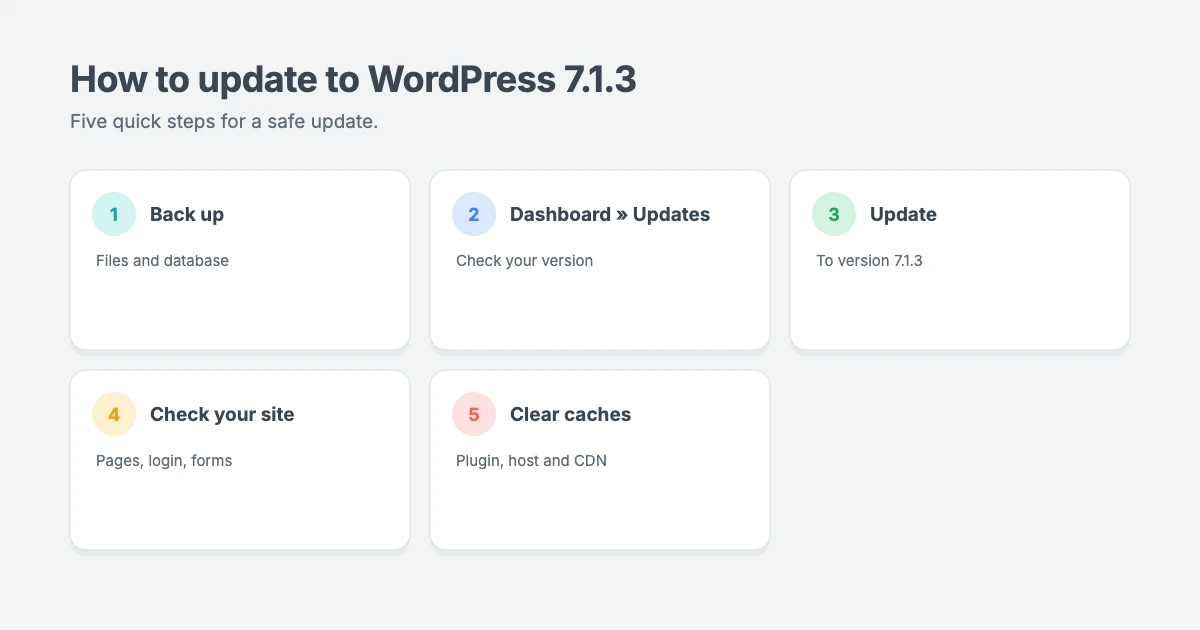
- Take a full backup of your files and database. Our guide on how to back up WordPress to Dropbox shows you one way.
- Go to Dashboard » Updates and click Update to version 7.1.3.
- Check your site once the update has finished. Visit a few pages, log in and out, and try any important features, such as forms or checkout.
- Clear your caches, if you use a caching plugin, your host’s cache or a CDN.
You can also download WordPress 7.1.3 from WordPress.org and update manually.
If something goes wrong
Maintenance releases are designed to be safe, but problems can still happen, especially with old or poorly coded plugins. If your site gets stuck showing a maintenance message, see our guide on how to fix WordPress stuck in maintenance mode. If something breaks, our 5-minute rollback plan can help.
What about older versions of WordPress?
As a courtesy, the security fixes are being backported, where necessary, to every branch that still receives security fixes, currently all the way back to WordPress 4.7. The backports are being released as they become ready.
However, only the latest version of WordPress is actively supported. If you’re running an older branch, plan to move to WordPress 7.1.3 as soon as you can.
Keep the rest of your site secure
Updating WordPress core is only one part of keeping your site safe:
- Update your plugins and themes, too. Most WordPress vulnerabilities are found in plugins and themes rather than core.
- Remove plugins and themes you don’t use.
- Review your user accounts and remove anyone who no longer needs access. Fix 4 above is a good reminder that user roles matter.
- Watch for downtime. Our guide to uptime monitoring for WordPress shows you how to get an alert if your site goes down.
- Harden your site. Our guide on how to harden WordPress security covers the essentials.
Let us handle your updates
If you’d rather not worry about updates, backups and security, the WPInterface team can help:
- WordPress Care Plans: we handle core, plugin and theme updates, backups and monitoring for you.
- WordPress Malware Removal: if your site has been hacked, we’ll clean it up and help keep it secure.
- VIP Support: a $29 priority ticket for quick expert help with an update or anything else.
Frequently asked questions
Is WordPress 7.1.3 a security release?
Yes. WordPress 7.1.3 is a maintenance and security release with 7 security fixes and 4 bug fixes. The WordPress team recommends updating immediately.
Will WordPress update to 7.1.3 automatically?
Most sites will, because WordPress installs minor and security releases automatically by default. If your host or a plugin has turned off automatic updates, update manually from Dashboard » Updates.
Will WordPress 7.1.3 break my site?
It’s unlikely. Minor releases only contain targeted fixes, not new features. Still, take a backup first and check your site after updating.
Do I need to update my theme for WordPress 7.1.3?
This release doesn’t require theme changes. However, you should always keep your theme and plugins up to date, as they receive their own security fixes.
Why is my site icon huge in the admin toolbar?
This was a known issue after WordPress 7.1, caused by an old cached copy of the toolbar stylesheet. Update to WordPress 7.1.3 and clear your browser, site and CDN caches.
Where can I read the official release notes?
See the WordPress 7.1.3 announcement on WordPress.org and the Version 7.1.3 documentation page.
Final thoughts
WordPress 7.1.3 is a small update with important security fixes, so there’s no reason to wait. Check that your sites have updated, take a backup and update manually if needed, then clear your caches and give everything a quick check.
Reactions
How did this make you feel?
Be the first to react
One reaction per visitor. Tap again to change or remove it.



Leave a reply