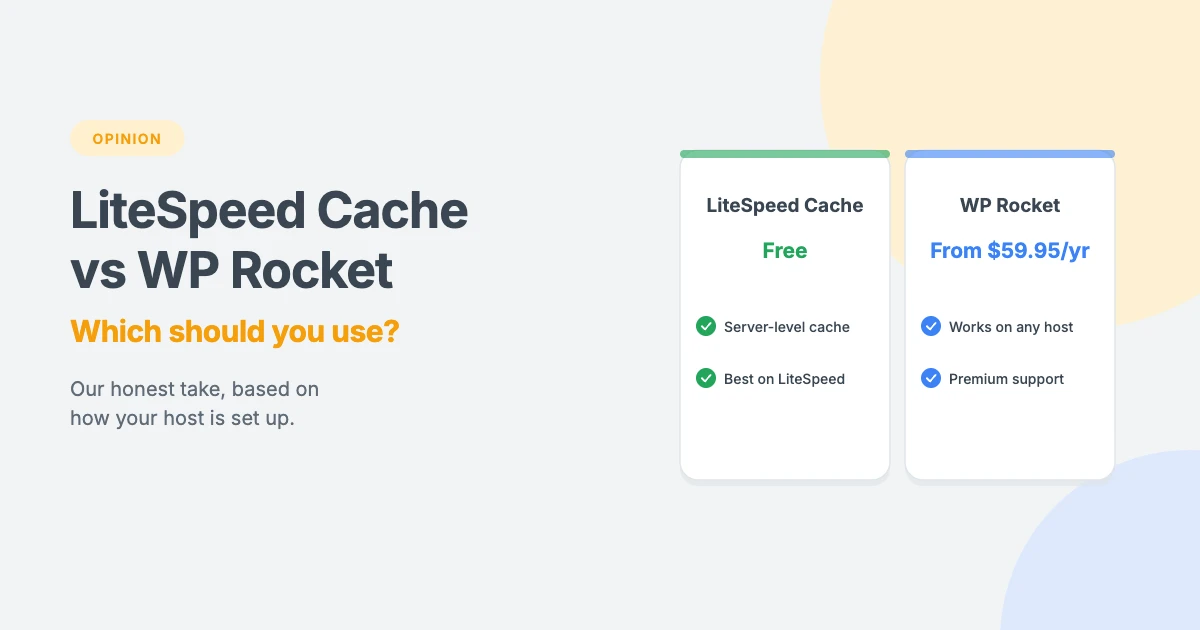
Choosing a WordPress caching plugin is one of the easiest ways to make a WordPress site faster. Two names come up more than any others: LiteSpeed Cache and WP Rocket.
Both are excellent, but they’re built in very different ways. One is free and works hand in hand with a specific kind of web server. The other is a paid plugin designed to work almost anywhere. So which should you choose?
In this opinion piece, we’ll compare LiteSpeed Cache vs WP Rocket on how they work, compatibility, ease of use, features, support and cost, and share which one we’d pick for different kinds of WordPress sites.
Why your choice of caching plugin matters
Without a WordPress caching plugin, WordPress builds each page when someone visits it, using PHP and your database. That takes time and server resources. A caching plugin saves a ready-made copy of each page and serves that instead, so pages load faster and your server does less work.
Most WordPress caching plugins also include extra speed features, such as minifying and delaying CSS and JavaScript, lazy-loading images and cleaning up the database. Used well, these can improve your Core Web Vitals. Our guide on how to improve INP in WordPress explains why JavaScript matters so much.
LiteSpeed Cache vs WP Rocket at a glance
| LiteSpeed Cache | WP Rocket | |
|---|---|---|
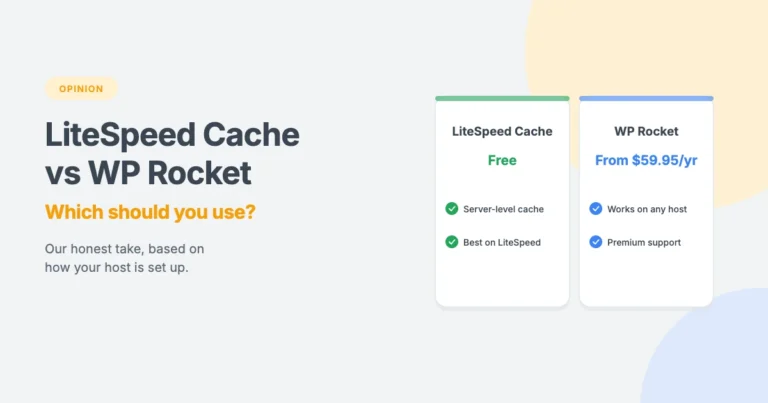
| Price | Free | From $59.95 a year for 1 site |
| How page caching works | Uses the LiteSpeed server’s built-in cache | Saves cached files and serves them with rewrite rules |
| Page caching on Apache or Nginx | Not available | Yes |
| Optimisation features on any server | Yes | Yes |
| Setup | Choose a preset, then fine-tune | Sensible settings applied on activation |
| Image optimisation | Built in, via QUIC.cloud | Not built in |
| Support | Free forum and documentation | Premium support with your licence |
| Best for | Sites on LiteSpeed hosting | Sites on Apache, Nginx or managed hosting |
How LiteSpeed Cache works
Let’s start the LiteSpeed Cache vs WP Rocket comparison with the free option.
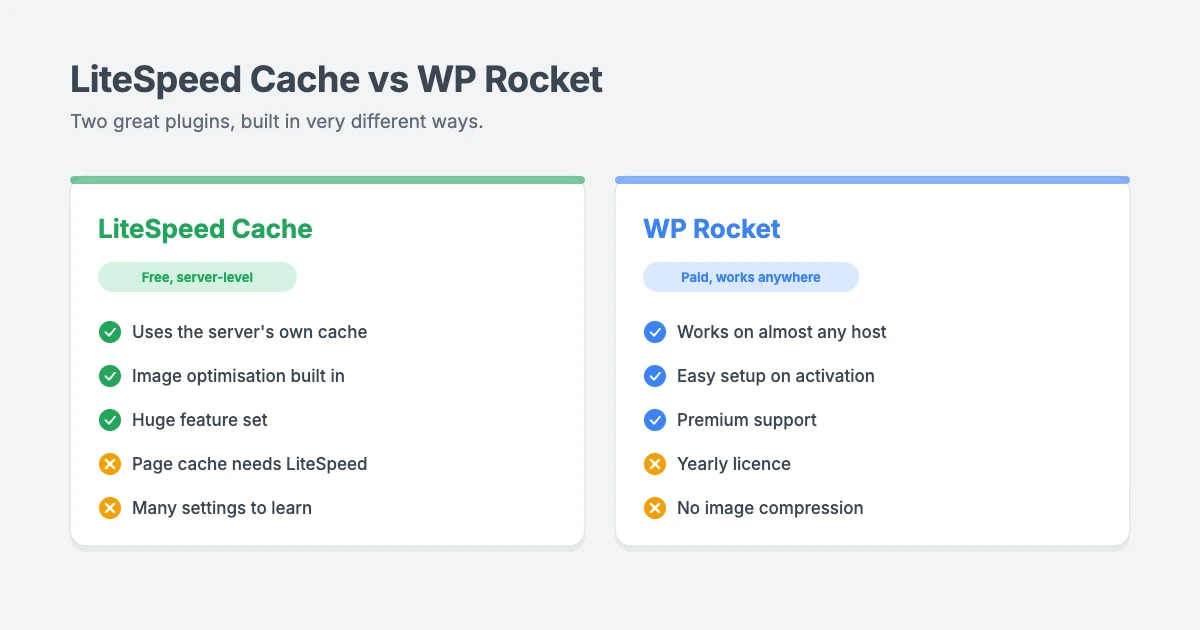
LiteSpeed Cache is a free plugin from the company behind the LiteSpeed web server. It’s one of the most popular WordPress plugins, with more than 7 million active installations on WordPress.org at the time of writing.
Its biggest strength is that it connects WordPress directly to the server’s own cache. On LiteSpeed or OpenLiteSpeed hosting, pages are cached and served by the web server itself, which is very efficient.
The plugin splits its features into two groups:
- General features work on any server, including Apache and Nginx. These include CSS, JavaScript and HTML minification, critical CSS, deferring and delaying JavaScript, lazy loading, image optimisation, WebP and AVIF support, a database cleaner and the free QUIC.cloud CDN.
- LiteSpeed exclusive features need LiteSpeed hosting or QUIC.cloud CDN. These include automatic page caching, smart purging, a private cache for logged-in users, separate mobile caching, WooCommerce support and the preload crawler.
What we like: it’s free, extremely feature-rich, and on LiteSpeed hosting its server-level caching is hard to beat. Built-in image optimisation is a bonus.
What we don’t: there are a lot of settings spread across many screens, which can overwhelm beginners. Without LiteSpeed hosting, you lose its most important feature, page caching.
How WP Rocket works
Next in our LiteSpeed Cache vs WP Rocket comparison is the premium option.
WP Rocket is a premium WordPress caching plugin that works on almost any host. It creates cached copies of your pages, preloads them in the background, and serves them using rewrite rules, so it doesn’t depend on a particular web server.
According to the developer, it applies about 80% of web performance best practices automatically when you activate it. You can then turn on extra features such as delaying JavaScript, removing unused CSS, lazy loading, preloading and database clean-up.
What we like: it’s very easy to set up, works on nearly any host and comes with premium support and clear documentation.
What we don’t: it isn’t free, the licence renews every year, and it doesn’t include image optimisation, so you may need a separate tool for that.
LiteSpeed Cache vs WP Rocket: head to head
Compatibility
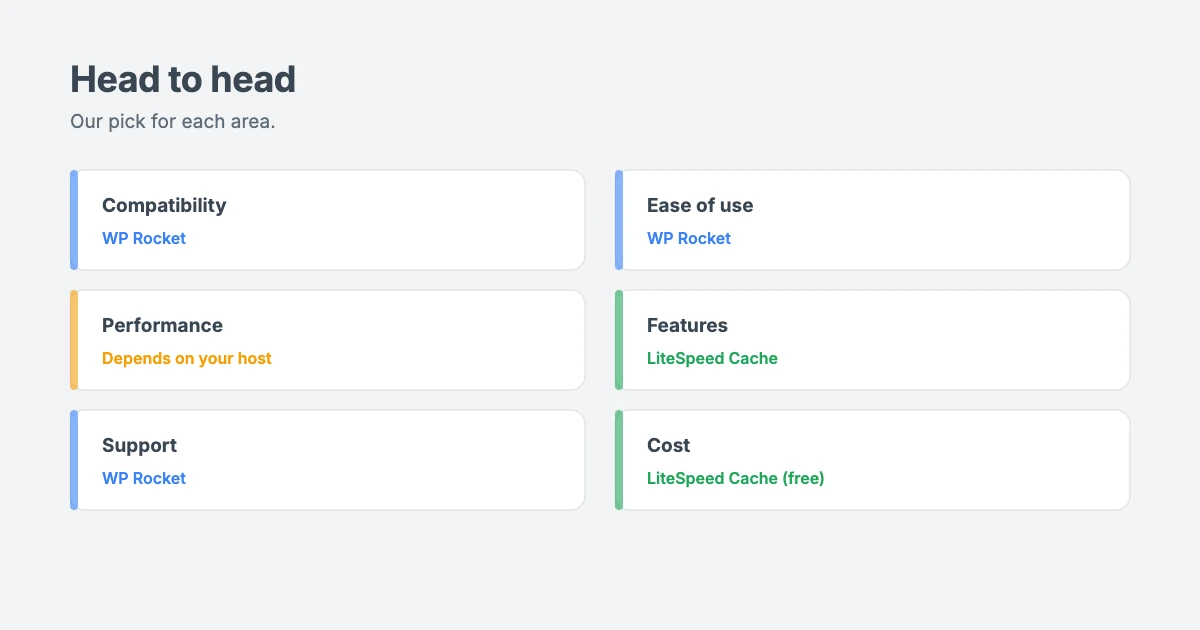
Our pick: WP Rocket. It works with Apache, Nginx, LiteSpeed and most managed WordPress hosts. LiteSpeed Cache is the better choice on LiteSpeed hosting, but its page caching won’t work anywhere else.
Ease of use
Our pick: WP Rocket. It starts working the moment you activate it, and each setting is clearly explained. LiteSpeed Cache offers presets that help, but you’ll need to choose one yourself, and its many tabs take time to learn.
Performance
Our pick: it depends on your host. On LiteSpeed hosting, LiteSpeed Cache uses the server’s own cache, which is extremely fast. On other servers, WP Rocket is the stronger option, because LiteSpeed Cache can’t cache pages there.
Both plugins include the optimisation features that matter for Core Web Vitals, such as delaying JavaScript and generating critical CSS. In practice, how you configure them, and your theme and hosting, matter more than which logo is on the plugin.
Features
Our pick: LiteSpeed Cache. For a free plugin, it does an enormous amount, including image optimisation, a CDN option and object cache support. WP Rocket focuses on caching and front-end optimisation.
Support
Our pick: WP Rocket. Your licence includes premium support from the developer. LiteSpeed Cache relies on the WordPress.org forum, documentation and a community Slack, which are helpful but not guaranteed.
Cost
Our pick: LiteSpeed Cache. It’s free. WP Rocket costs $59.95 a year for one site, $119.95 for three sites and $299.95 for 50 sites at the time of writing, with a 14-day trial or refund.
Our verdict: which one should you use?
After weighing up LiteSpeed Cache vs WP Rocket, our choice comes down to your hosting.
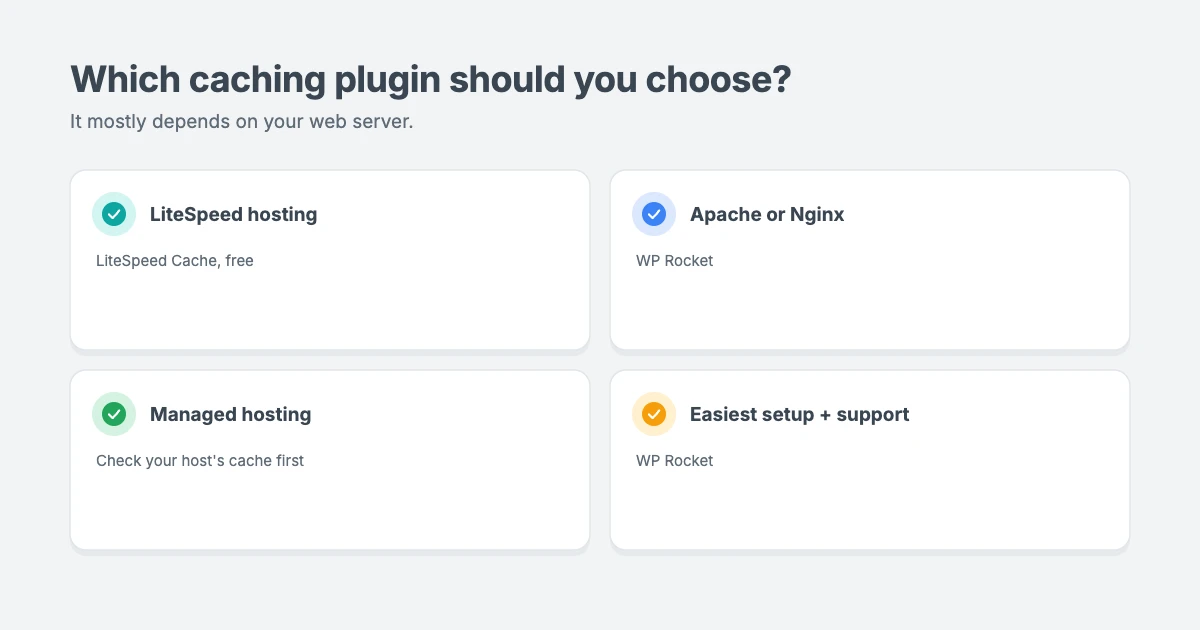
Here’s our honest recommendation in the LiteSpeed Cache vs WP Rocket debate:
- Your host uses LiteSpeed or OpenLiteSpeed? Use LiteSpeed Cache. You get server-level caching for free, and it’s what we use here on wpinterface.com. Start with a basic preset and turn on extra optimisations one at a time, testing as you go.
- Your host uses Apache or Nginx? Use WP Rocket. LiteSpeed Cache can’t cache pages on these servers, so you’d miss out on its main feature.
- You’re on managed WordPress hosting? Check what your host already provides. Many managed hosts have their own server cache, and some don’t allow certain caching plugins. WP Rocket is often compatible, but ask your host first.
- You want the simplest setup and premium support? WP Rocket is worth the yearly fee for many business owners.
Not sure which web server your host uses? Ask their support team, or read our opinion piece on Apache vs Nginx vs LiteSpeed to understand the differences.
Tips for using any WordPress caching plugin
- Use only one WordPress caching plugin. Running two at once can cause conflicts and broken pages.
- Turn on one optimisation at a time. Minifying and delaying JavaScript can break some features, so test after each change.
- Exclude dynamic pages, such as cart, checkout and account pages on online stores. Both plugins handle common store plugins, but check your settings.
- Clear the cache after big changes, such as updating your theme or editing your menu.
- Test before and after with Google PageSpeed Insights, using the same page each time.
- Pair caching with a fast theme. Caching helps a heavy theme load faster, but it can’t remove the weight.
A fast cache needs a fast theme
Whichever side of LiteSpeed Cache vs WP Rocket you choose, a fast theme matters. Every WPInterface Pro theme is built with lean code and only loads what each page needs, so it works well with both LiteSpeed Cache and WP Rocket.
SpeedNews Pro
SpeedNews Pro is a fast news and magazine theme with a trending ticker, mosaic headlines and three-column layouts, built for publishers who need pages to load quickly.

SpeedBlog Pro
SpeedBlog Pro is a fast blog theme for travel, tech, personal and creative blogs, with a clean layout that keeps readers focused.

Business Interface Pro
Business Interface Pro is a lightweight multipurpose business theme with 12 starter sites, ideal for company websites that need to be fast and professional.

You can see all our themes on the WordPress themes page.
Let our team set up caching for you
WordPress caching plugin settings can be tricky to get right. The WPInterface team can help:
- WordPress Speed Optimization: we configure caching, scripts, images and hosting settings to improve your Core Web Vitals, starting with a free speed audit.
- WordPress Care Plans: updates, backups and monitoring, so your caching and plugins keep working after updates.
- WordPress Migration: move to faster hosting without losing your rankings.
- VIP Support: a $29 priority ticket for quick expert help.
Frequently asked questions
LiteSpeed Cache vs WP Rocket: which is better?
On LiteSpeed hosting, LiteSpeed Cache is an excellent free choice because it uses the server’s own cache. On Apache or Nginx hosting, WP Rocket is the better option, because LiteSpeed Cache can’t cache pages there.
Does LiteSpeed Cache work on Apache or Nginx?
Partly. Its general optimisation features work on any server, but page caching and other exclusive features need LiteSpeed hosting or the QUIC.cloud CDN.
Is WP Rocket worth paying for?
For many business sites, yes. You get easy setup, broad compatibility and premium support. If your host uses LiteSpeed, though, you can get excellent results for free with LiteSpeed Cache.
Can I use LiteSpeed Cache and WP Rocket together?
No. Only use one caching plugin at a time. If you switch, deactivate and remove the old plugin, clear all caches and test your site.
Does WP Rocket optimise images?
WP Rocket includes lazy loading for images, but it doesn’t compress images. LiteSpeed Cache includes image optimisation through QUIC.cloud.
How do I know which web server my host uses?
Check your hosting plan details or ask your host’s support team. You can also look for LiteSpeed in your hosting control panel.
Final thoughts
LiteSpeed Cache vs WP Rocket isn’t a contest with one winner for everyone, and the best WordPress caching plugin depends on your host. LiteSpeed Cache is a superb free choice if your host runs LiteSpeed. WP Rocket is the easier, more flexible choice for everyone else, and its premium support is worth paying for if you’d rather not tinker.
Whichever you choose, keep it simple: one caching plugin, a lightweight theme, good hosting and careful testing after every change.
Reactions
How did this make you feel?
Be the first to react
One reaction per visitor. Tap again to change or remove it.




Leave a reply