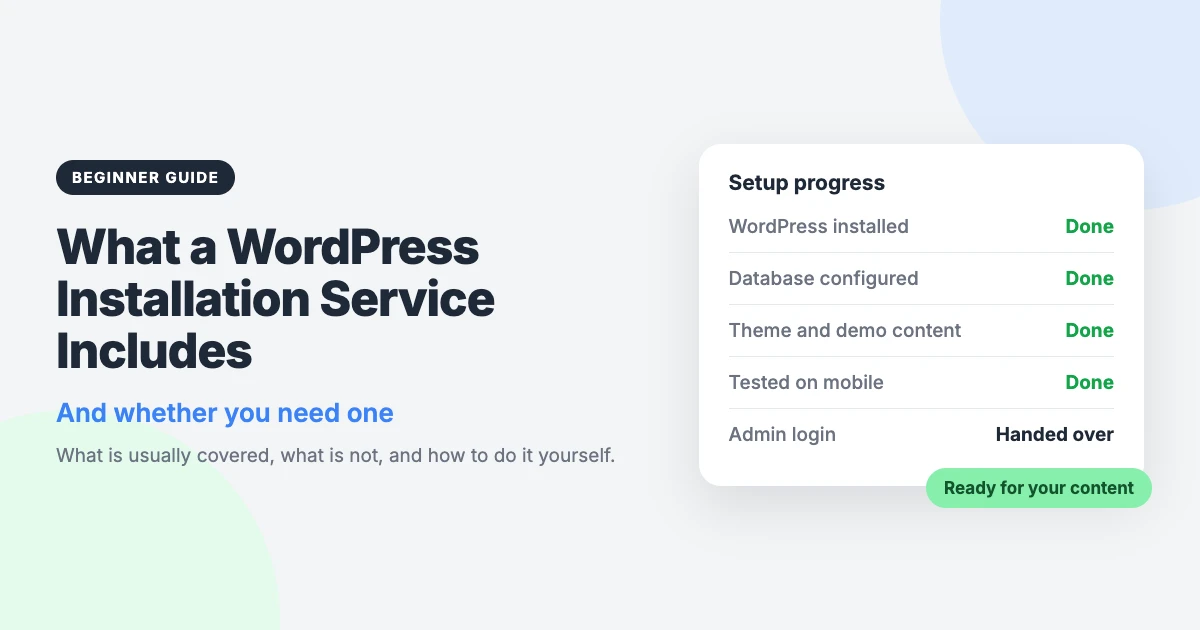
You have picked a theme, and now you need a working website to put it on. A WordPress installation service does that first part for you: someone installs WordPress on your hosting and hands you the login.
That sounds simple, but the scope differs a lot between providers. Some only install the software. Others also set up your theme, import the demo content and test the result.
This guide explains what is usually included, what is usually left out, and how to do the job yourself. It should help you decide whether paying someone is worth it for you.
What is a WordPress installation service?
It is a one-off job where a person or company sets up a new WordPress site on hosting you already own. You pay a fee, share access to your hosting, and receive a ready-to-use site with an administrator login.
You may also see it called a WordPress setup service. “Setup” often suggests more work after the install, such as theme and plugin configuration, but there is no fixed rule. Always read the list of what is included.
This kind of service tends to suit you if:
- you are new to WordPress and would rather start with a site that already works;
- you are comfortable writing and editing, but not with hosting panels and databases;
- you bought a theme and want your site to look like its demo from day one;
- your time is better spent on your content or your business.
What a WordPress installation service usually includes
Scope varies, so treat this as a list of what you will usually find, not a guarantee.
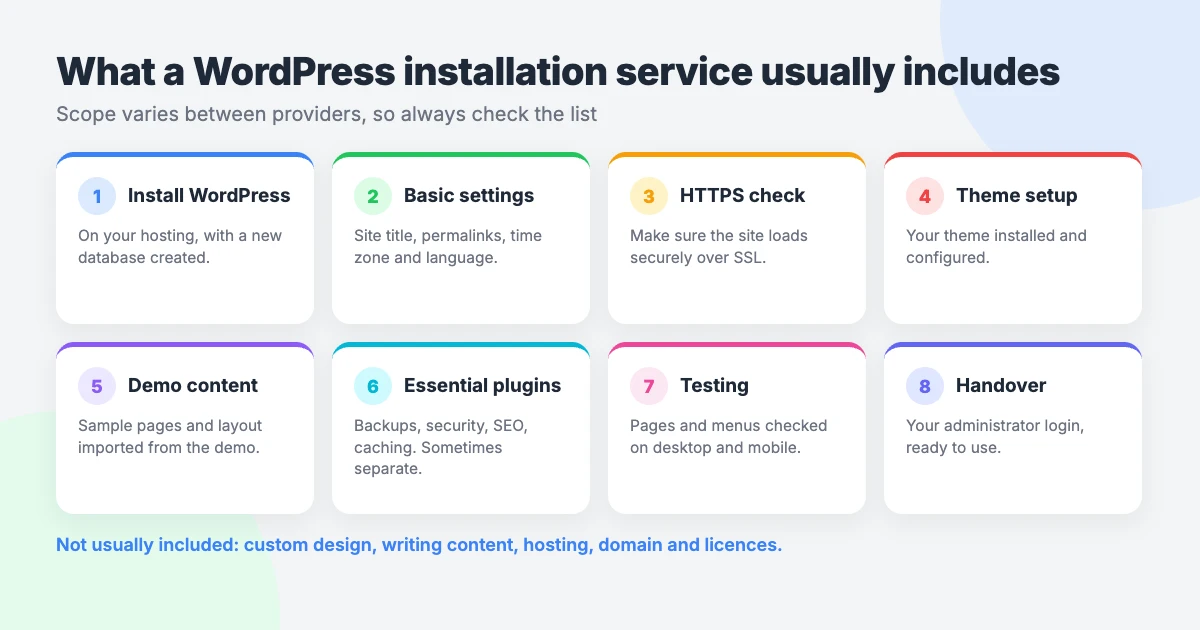
- Installing WordPress and creating the database. WordPress stores your posts, pages and settings in a database. The provider creates it, connects it and installs the WordPress files on your hosting.
- Basic settings. This usually means the site title, permalinks (the structure of your page addresses), time zone and language.
- An SSL/HTTPS check. Your site should load over HTTPS with the padlock in the browser. Many providers confirm the certificate from your host is active and that the site uses it.
- Theme installation and setup. The theme is uploaded, activated and configured. A WordPress theme installation service may be sold on its own or as part of the install.
- Demo content import. The sample pages, posts and layout from the theme demo are imported, so you edit real examples instead of starting from a blank page.
- Essential plugins. Backups, security, SEO, caching and email delivery are the common ones. This is sometimes a separate service with its own price.
- Testing on desktop and mobile. Pages, menus and layout are checked on different screen sizes before the site is handed over.
- Handover of the admin login. You receive the administrator username and password, and the site is yours to run.
What’s usually NOT included
These items are normally outside the scope:
- Custom design. The site is set up to match the theme’s design, not redesigned to a brief.
- Writing your content. Your text, photos and product details are your job.
- A logo. Logo design is a separate piece of work.
- Hosting and domain costs. You pay your host and domain registrar directly.
- Premium licences. If your theme or a plugin needs a paid licence, you normally buy it yourself.
- Ongoing maintenance. Updates, backups and fixes after handover are usually a different service.
- Migrating an existing site. Moving an old site to a new host or theme is more involved than a fresh install. Check before you order.
What you need to have ready
Whoever does the install, a few things must be in place first.
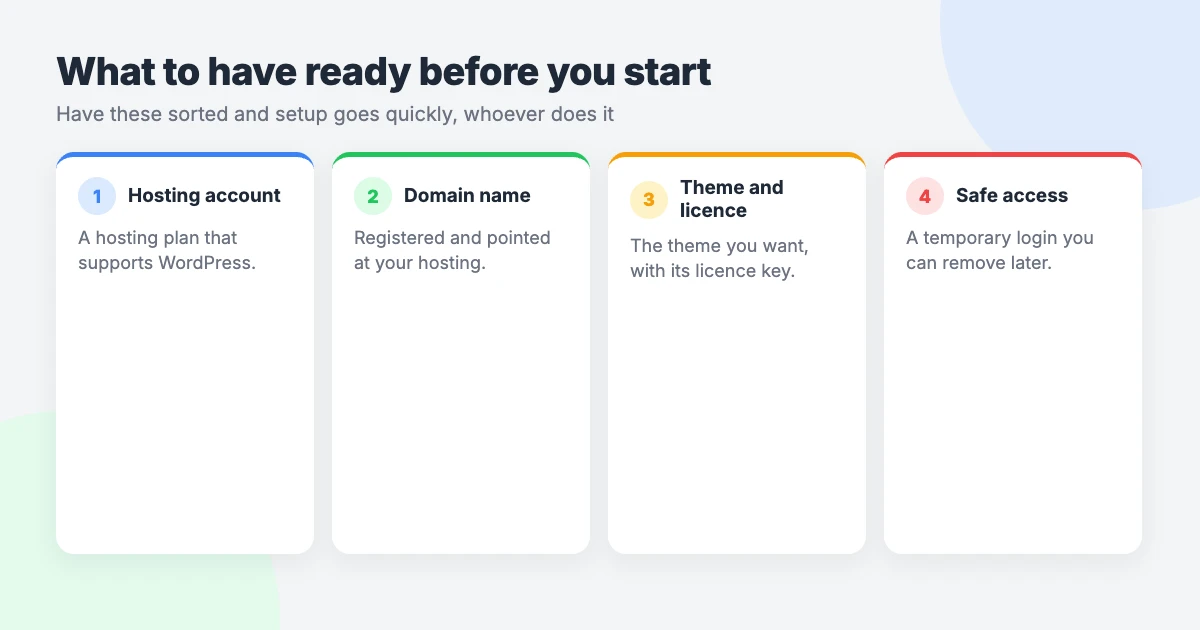
- A hosting account. This is the server space where your site lives. It should support WordPress, which most general web hosts do.
- A domain. This is your site’s address. If you do not have one yet, read our guide on how to register a domain name.
- Your theme choice and licence. Decide which theme you want, and have the download file or licence key to hand if it is a paid theme.
- Logins you are willing to share safely. The provider needs access to your hosting to do the work.
On that last point, be careful. Where your host allows it, create a temporary account or add the provider through the host’s user access feature. That way you never hand over your main password.
If you must share a password, change it as soon as the job is finished.
Can you install WordPress yourself?
Yes. WordPress is free software, and many hosts offer a one-click installer in their control panel.
The basic steps look like this:
- Log in to your hosting control panel and point your domain at the hosting account.
- Run the host’s WordPress installer, or upload WordPress and create a database by hand.
- Choose a site title, an admin username and a strong password.
- Log in to the WordPress dashboard and check the general settings and permalinks.
- Make sure the SSL certificate is active and the site loads over HTTPS.
- Install and activate your theme under Appearance, then Themes.
- Add the plugins you need and start building your pages.
For the manual route, follow WordPress’s installation guide.
Where people get stuck
The trouble tends to come afterwards:
- Demo import. Imports can stall or finish with parts missing, often because of server limits or a plugin the demo depends on.
- Matching the demo. A freshly activated theme rarely looks like its demo. Menus, widgets, the homepage and theme options all need setting.
- Email deliverability. Contact form messages and password resets may land in spam, or not arrive, until email sending is configured properly.
- Permalinks. The wrong setting gives you untidy addresses, and changing it later can break existing links.
- SSL. A missing certificate or mixed content warning makes browsers flag your site as not secure.
None of these is beyond a patient beginner. They do take time, though, and that is usually what sends people searching for “install WordPress for me”.
DIY vs a WordPress setup service
The right-hand column below describes a typical service, so check the details of any one you consider.
| Task | Do it yourself | Installation service |
|---|---|---|
| Installation | Often quick with your host’s one-click installer | Done for you |
| Database | Created by the installer, or by hand on a manual install | Created and configured for you |
| Matching the demo | The slowest part; expect some trial and error | Usually included if theme setup is in scope |
| Testing on mobile | Easy to forget; you check each page yourself | Usually part of the checks before handover |
| Time | Depends on your experience and your theme | A few minutes of your time, plus the provider’s turnaround |
| Cost | Free, apart from hosting, domain and your time | A one-time fee on top of hosting and domain |
How to choose a WordPress installation service: 7 questions to ask
- What exactly is included? Look for a written list, not a vague promise. Check whether theme setup, demo import and plugins are part of it.
- Is the price fixed? A flat, one-time price is easier to budget for than an hourly rate.
- How long does it take? Ask for the working time and for when the work starts.
- What access do you need, and how do I share it? A careful provider tells you exactly what it needs and does not ask for more.
- Do you know my theme? Setup goes more smoothly when the provider has worked with your theme before.
- How is the site tested? Ask whether pages, menus and layout are checked on both desktop and mobile.
- What happens after handover? Find out who to contact if something looks wrong, and whether ongoing support is available.
Our WordPress installation and setup service
This part is about us, so read it with that in mind. We make WordPress themes, and we offer a fixed-price service called Installation & Theme Setup. It costs $99 as a one-time payment and takes 1 business day.
It includes:
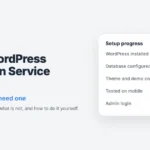
- WordPress installed on your hosting, with the database configured;
- your theme installed and set up to match its design;
- demo content imported: the sample pages, posts and layout from the demo;
- quality checks, with pages, menus and layout tested on desktop and mobile;
- your administrator login handed over.
The process has four steps:
- You book and tell us which theme you want.
- You share hosting access. We tell you exactly what we need from your host.
- We install WordPress and set up the theme.
- You get your admin login and start adding content.
Setups are booked in weekly batches. Order by Friday at 5 pm and your setup is scheduled for the following week.
You need your own hosting and domain first.
Plugins are a separate, optional add-on. Our Must-Have Plugins setup is a $59 one-time flat price and takes 1 business day. We pick plugins for backups, security, SEO, caching and email delivery to suit your site. Then we install, configure and test them. You can add extras from a picker at no extra cost.
You can see everything we offer on our professional services page. Still choosing a theme? Our minimal blog WordPress themes are one place to start.
After installation: what to do next
- Add your own content. Replace the demo text and images with yours, and delete any sample pages you do not need.
- Set up backups. Make sure a backup runs on a schedule and is stored somewhere other than your hosting account.
- Keep things updated. WordPress, your theme and your plugins all release updates. Our WordPress maintenance checklist shows what to check and how often.
- Consider ongoing care. If you would rather not handle upkeep yourself, read our guide to choosing a WordPress care plan.
If you get stuck on a single problem with one of our themes, VIP Support gives you a priority ticket for $29.
Frequently asked questions
How long does a WordPress installation take?
The install itself can take a few minutes with a host’s one-click installer. Setting up a theme, importing demo content and testing takes longer. Our Installation & Theme Setup takes 1 business day, and setups are scheduled for the week after you order.
Do I need hosting before I order a WordPress installation service?
In most cases, yes. WordPress has to be installed somewhere, and that place is your hosting account. For our service, you need your own hosting and domain before you book.
Is it safe to share my hosting login?
It carries some risk, so limit it. Where your host allows it, create a temporary account or use the host’s user access feature instead of sharing your main password. Change any shared passwords and remove temporary accounts once the work is done.
Will my site look like the theme demo?
Only if theme setup and demo import are in scope, so check before you pay. With our service, the theme is set up to match its design and the demo’s sample pages, posts and layout are imported.
Can you install WordPress on any host?
We install WordPress on your own hosting, and we tell you exactly what access we need from your host. The hosting must be able to run WordPress, which most general web hosts can. If you are unsure, check your host’s documentation before you book.
Reactions
How did this make you feel?
Be the first to react
One reaction per visitor. Tap again to change or remove it.



Leave a reply