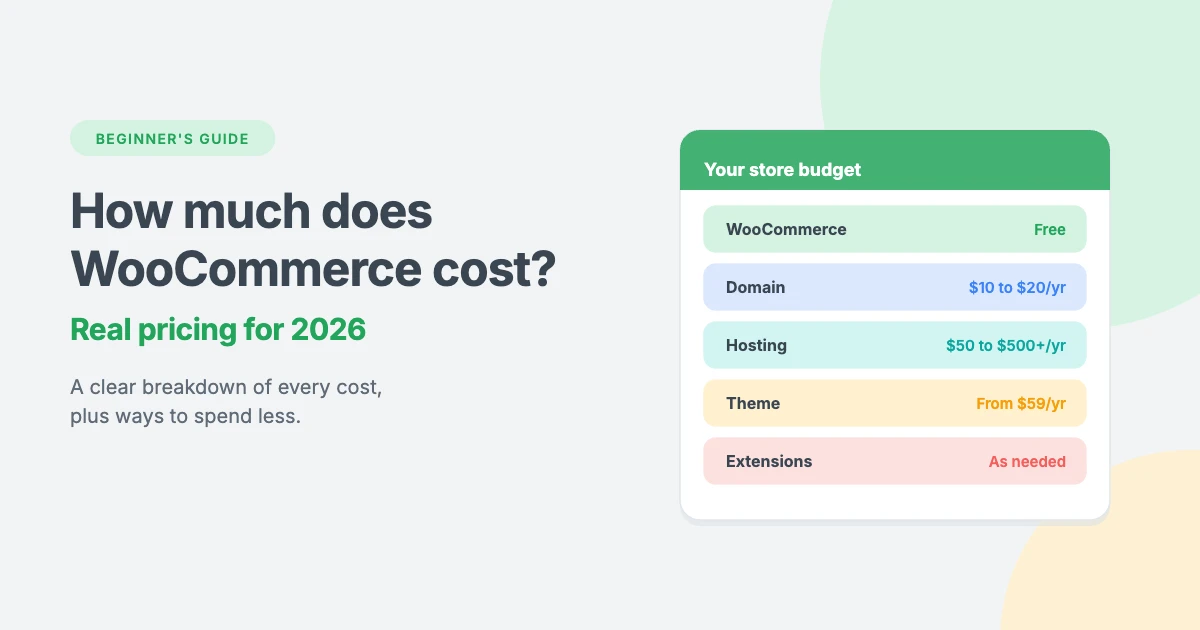
WooCommerce is free to download, so it’s easy to think an online store built with it costs nothing. In reality, a WooCommerce store has running costs, including a domain, hosting, a theme, extensions and payment fees.
The good news is that WooCommerce cost is very flexible. A small store can run for less than $150 a year, while a large store with many premium extensions might spend over $1,000 a year.
In this beginner’s guide, we’ll break down WooCommerce pricing line by line, show two example budgets, and share practical ways to keep your store’s costs under control.
Is WooCommerce really free?
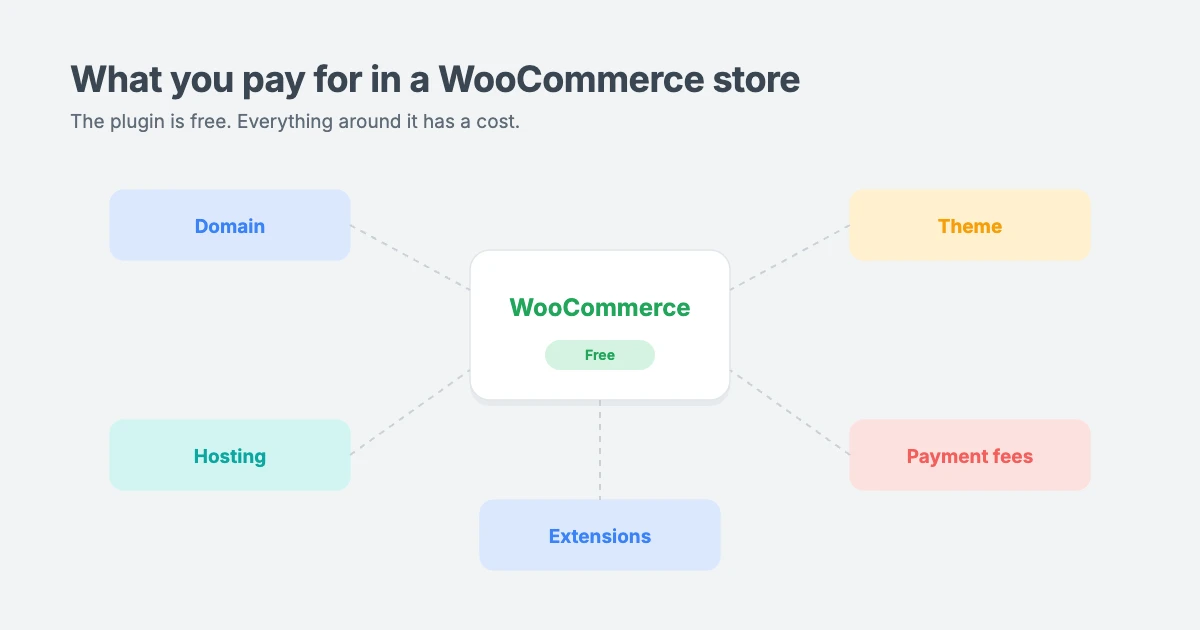
Yes. The WooCommerce plugin itself is free and open source, which keeps the starting WooCommerce cost low. You can install it from your WordPress dashboard under Plugins » Add New and start adding products straight away.
Out of the box, WooCommerce gives you products, a cart, checkout, orders, basic coupons, basic shipping and tax settings, and free payment options such as bank transfer and cash on delivery.
So when people talk about WooCommerce pricing, what you pay for is everything around it: the things every website needs, plus any extra features your store requires.
What does a WooCommerce store cost? The full breakdown
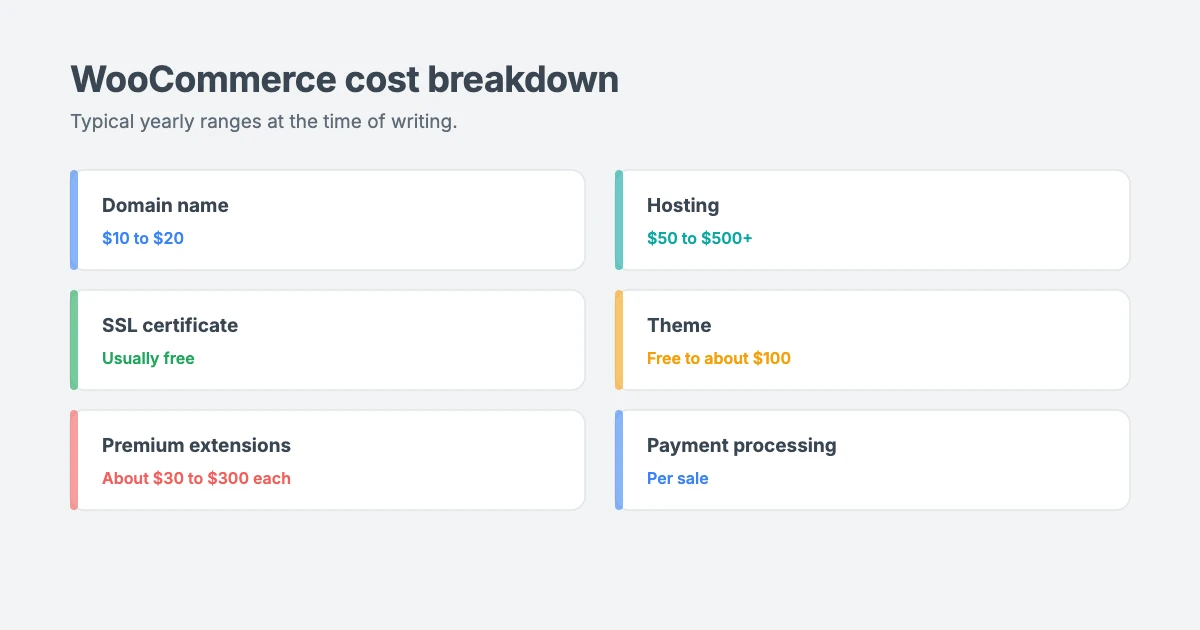
Here’s what goes into WooCommerce cost, with typical price ranges at the time of writing. Prices vary by provider, location and plan, so treat these as estimates.
| Cost | Typical price | Needed? |
|---|---|---|
| WooCommerce plugin | Free | Yes |
| Domain name | $10 to $20 a year | Yes |
| Hosting | $50 to $500+ a year | Yes |
| SSL certificate | Usually free with hosting | Yes |
| Theme | Free to about $100 a year | Yes |
| Payment processing | A percentage plus a small fee per sale | Yes |
| Premium extensions | Roughly $30 to $300 a year each | Depends on your store |
| SEO, security and speed tools | Free to a few hundred dollars a year | Recommended |
| Developer or setup help | One-off or hourly | Optional |
Domain name
Your domain is your store’s address, such as yourstore.com. A .com domain usually costs $10 to $20 a year. Watch out for renewal prices, which are often higher than the first-year price. Some hosting plans include a free domain for the first year.
Hosting
Hosting is where your store’s files and database live, and it’s one of the biggest factors in your store’s speed.
- Shared hosting costs from around $3 to $10 a month and suits new stores with a small number of products.
- Managed WooCommerce or cloud hosting costs from around $15 to $40+ a month and suits growing stores with more traffic.
Online stores do more work than ordinary websites, because carts, checkouts and accounts can’t be fully cached. That’s why cheap hosting that’s fine for a blog can feel slow for a busy store. Our opinion piece on Apache vs Nginx vs LiteSpeed explains how your host’s web server affects speed.
SSL certificate
An SSL certificate encrypts data between your store and your customers, and it’s essential for any site that takes payments. Most hosts include a free SSL certificate, so this usually adds nothing to your WooCommerce cost.
Theme
WooCommerce works with almost any well-built WordPress theme, but a theme designed with WooCommerce in mind makes your shop, product and checkout pages look polished without extra work.
WPInterface Pro themes cost $59 a year for one site, or $99 for a lifetime licence covering 10 sites. That’s a one-off cost you can spread across several stores or client projects.
Payment processing
WooCommerce doesn’t charge a fee for each sale, but your payment provider does. Most card processors charge a percentage of each sale plus a small fixed fee. The exact rate depends on your provider, your country and your customers’ cards.
This is often the cost store owners forget, because it grows with your sales. Always check your provider’s pricing page before you choose.
Extensions
Extensions add features WooCommerce doesn’t include by default. Many are free, but advanced features such as subscriptions, bookings, product add-ons, advanced shipping rates or memberships usually need premium extensions. These typically cost from around $30 to $300 a year each.
Extensions are where WooCommerce cost can grow quickly, and they’re the part of WooCommerce pricing you control the most. Five premium extensions at $100 a year each add $500 to your yearly budget.
SEO, security and speed tools
Free tools can cover the basics of SEO, security and caching for most new stores. As your store grows, you may decide to upgrade to premium versions or a professional maintenance plan. Our WooCommerce SEO guide explains what matters most for store SEO.
WooCommerce cost examples: a small store vs a growing store
To make WooCommerce pricing easier to picture, here are two example budgets. They use typical price ranges, not quotes, and your own costs will depend on your choices.
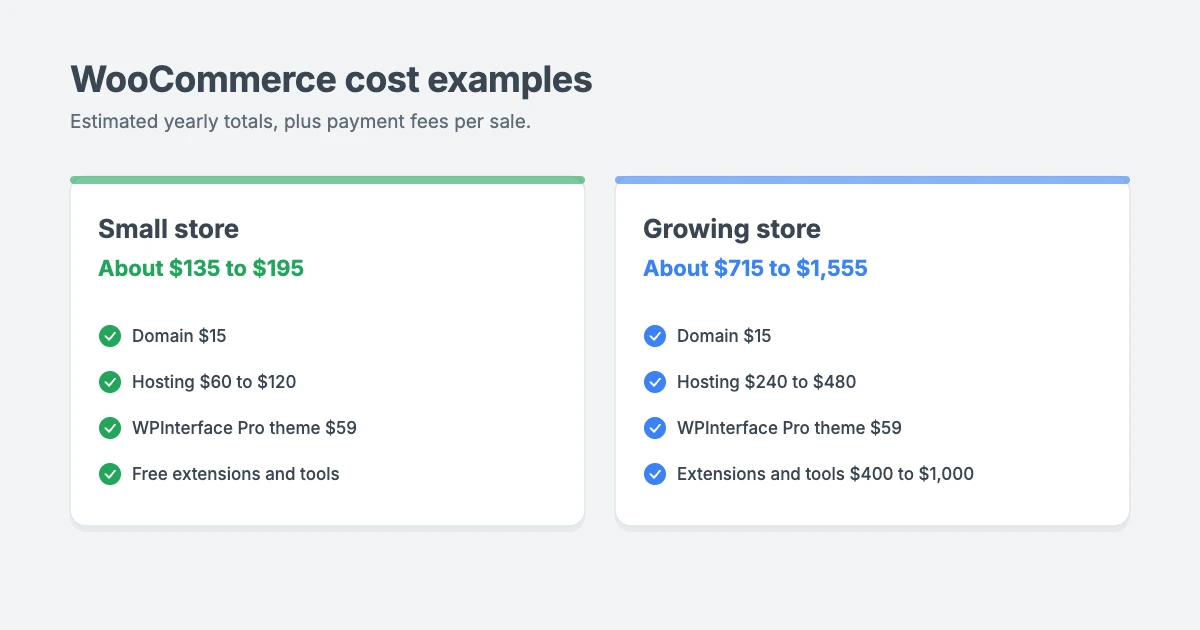
| Cost | Small store | Growing store |
|---|---|---|
| Domain | $15 | $15 |
| Hosting | $60 to $120 | $240 to $480 |
| Theme | $59 (WPInterface Pro, 1 site) | $59 (WPInterface Pro, 1 site) |
| Premium extensions | $0 (free features only) | $300 to $800 |
| SEO, security and speed tools | $0 (free versions) | $100 to $200 |
| Estimated yearly total | About $135 to $195 | About $715 to $1,555 |
| Payment fees | Per sale | Per sale |
The small store might sell a handful of physical products with flat-rate shipping, or a few downloadable files. Built-in WooCommerce features and free tools are often enough.
The growing store might sell hundreds of products, offer subscriptions, use advanced shipping rates and run email marketing. Better hosting and several premium extensions push the budget up, but these costs should be covered by the extra sales they help bring in.
Hidden WooCommerce costs to watch for
Even with careful planning, some parts of WooCommerce pricing are easy to miss. Knowing them early keeps your WooCommerce cost predictable.
Most surprise costs come from a few common places:
- Renewal prices. Domains, hosting and many extensions are cheaper in the first year than when they renew.
- Yearly licences. Most premium extensions charge every year for updates and support. If you stop paying, you’ll stop receiving updates.
- Overlapping extensions. It’s easy to install two extensions that do similar jobs. Review your extensions every few months.
- Sales tax and VAT. Selling to customers in other countries can mean registering for, collecting and filing tax in several places. The time and accounting help this takes is a real cost.
- Your time. Updates, backups, testing and fixing problems take hours every month. If you’d rather sell than maintain, a care plan may cost less than your time.
- Developer help. Custom features or design changes usually need a developer. Get a fixed quote before any work starts.
For a wider look at website budgets, see our opinion piece on how much a business website really costs.
7 ways to reduce your WooCommerce cost
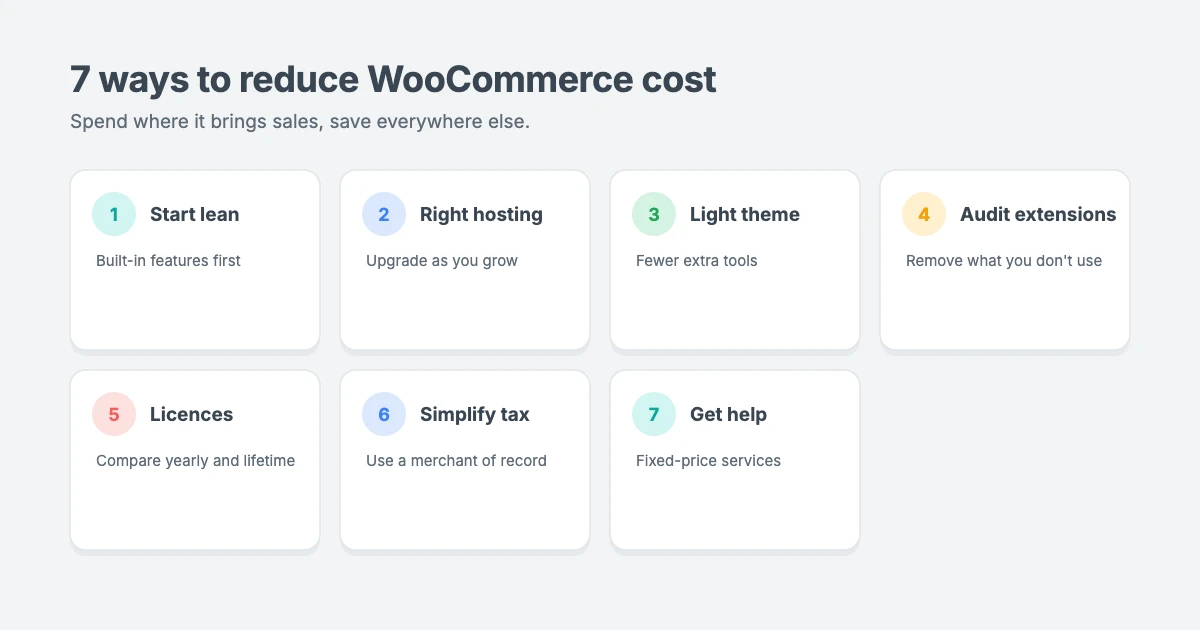
- Start lean. Launch with WooCommerce’s built-in features and add premium extensions only when you have a clear reason. You can always add more later.
- Choose hosting for your stage. Start on a good shared or entry-level plan, and upgrade when your traffic and orders grow.
- Use a lightweight theme. A fast theme reduces the need for extra speed tools, and a theme with design options built in saves you buying a separate page builder.
- Audit your extensions. Every few months, remove extensions you no longer use and check whether one tool can do the job of two.
- Compare yearly and lifetime licences. If you plan to run your store for years, or you run several stores, a lifetime licence can cost less over time.
- Simplify tax compliance. If you sell digital products or software worldwide, a merchant of record can take care of global sales tax for you (more on this below).
- Get help only when you need it. Fixed-price services for specific jobs are often cheaper than paying hourly for open-ended work.
Sell worldwide without the tax headache
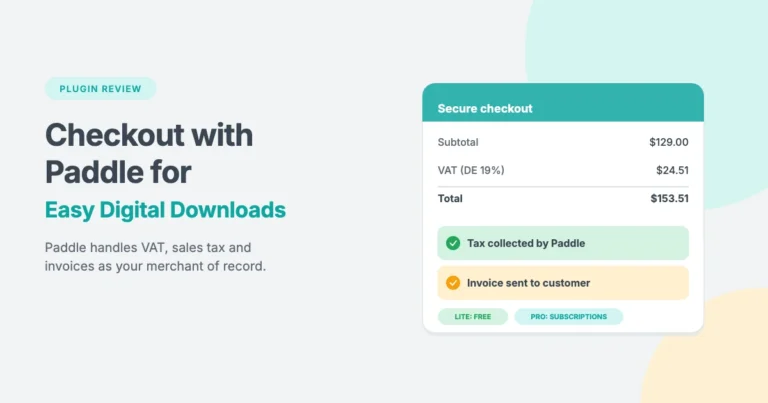
If you sell digital products, software or subscriptions to customers in many countries, tax can become one of your biggest hidden costs. That’s where a merchant of record such as Paddle helps.
Paddle acts as the seller to your customers, so it charges them, collects VAT and sales tax worldwide, and issues invoices. Paddle’s pricing is 5% + 50¢ per transaction at the time of writing, which includes payment processing and tax handling.
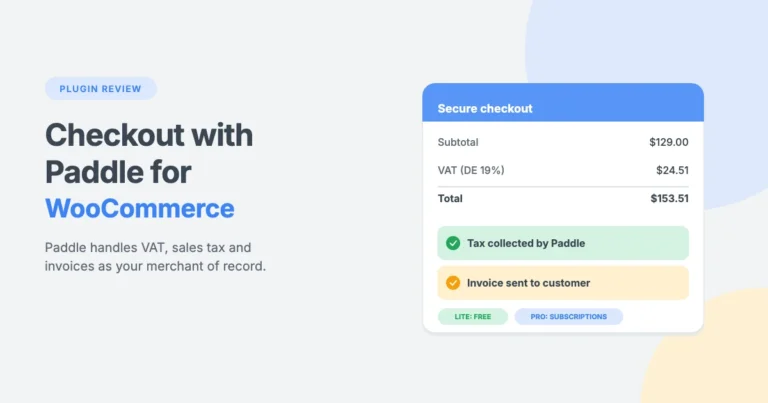
Our Checkout with Paddle for WooCommerce Pro plugin connects your WooCommerce store to Paddle, with support for Paddle Billing and Paddle Classic, the Checkout block and the classic checkout. Pro adds WooCommerce Subscriptions support, refunds from WordPress, inline checkout and Paddle invoices, with licences from $59 for one site. You can read more in our Paddle for WooCommerce review.
WPInterface themes for WooCommerce stores
All WPInterface Pro themes are lightweight, RTL ready and tested with WooCommerce, with design settings in the WordPress Customizer. These three are a great fit for online stores and businesses that sell online.
Business Interface Pro
Business Interface Pro is a lightweight multipurpose business theme with 12 starter sites and WooCommerce support, ideal if you want a professional company site with a shop.

Corporate Interface Pro
Corporate Interface Pro is a clean corporate theme that integrates with WooCommerce, so established businesses can sell products and services online.

Coworking Interface Pro
Coworking Interface Pro is designed for coworking spaces and shared offices, and its WooCommerce integration makes it easy to sell memberships, passes or products.

You can see all our themes on the WordPress themes page.
Let our team set up your store
Want a store that’s ready to sell without the trial and error, and a clear WooCommerce cost from day one? The WPInterface team offers fixed-price help:
- WordPress Installation and Theme Setup: for $99, we install WordPress and set up your WPInterface theme.
- Must-Have Plugins Installation: for $59, we install and set up the essentials, including SEO and analytics.
- WordPress Speed Optimization: we make your store faster and improve your Core Web Vitals, starting with a free speed audit.
- WordPress Care Plans: updates, backups and monitoring, so you can focus on selling.
- VIP Support: a $29 priority ticket for quick expert help.
Frequently asked questions
How much does WooCommerce cost per month?
WooCommerce itself is free. Based on typical WooCommerce pricing, a small store usually costs about $10 to $20 a month for hosting, a domain and a premium theme, plus payment fees. A larger store with better hosting and premium extensions might cost $60 to $130 or more a month.
Does WooCommerce take a cut of my sales?
No. WooCommerce doesn’t charge a fee per sale. Your payment provider charges processing fees on each transaction.
Can I run a WooCommerce store for free?
Not completely. The plugin is free, but you’ll still need a domain and hosting. Payment providers also charge fees when you make sales.
Are WooCommerce extensions a one-time payment?
Most premium extensions are yearly subscriptions that include updates and support. If you stop renewing, the extension usually keeps working, but you won’t get updates or support.
Is WooCommerce cheaper than a hosted store builder?
It can be. With WooCommerce, you choose your own hosting and only pay for the features you need, and WooCommerce itself doesn’t charge sales fees. Hosted builders bundle hosting and features into a monthly plan. Compare the total yearly cost for the features you actually need.
What’s the biggest WooCommerce cost for most stores?
For most stores, the biggest WooCommerce cost is either hosting or premium extensions. As your sales grow, payment processing fees often become the largest cost of all.
Final thoughts
WooCommerce is free, but running a store isn’t, and WooCommerce pricing depends on the choices you make. The real WooCommerce cost depends on your hosting, your theme, the extensions you choose and the payment fees on each sale.
Our advice is to start lean, pick hosting and a lightweight theme that can grow with you, and add premium extensions only when they’ll pay for themselves. Do that, and WooCommerce can be one of the most affordable ways to build a store you fully own.
Reactions
How did this make you feel?
Be the first to react
One reaction per visitor. Tap again to change or remove it.



Leave a reply