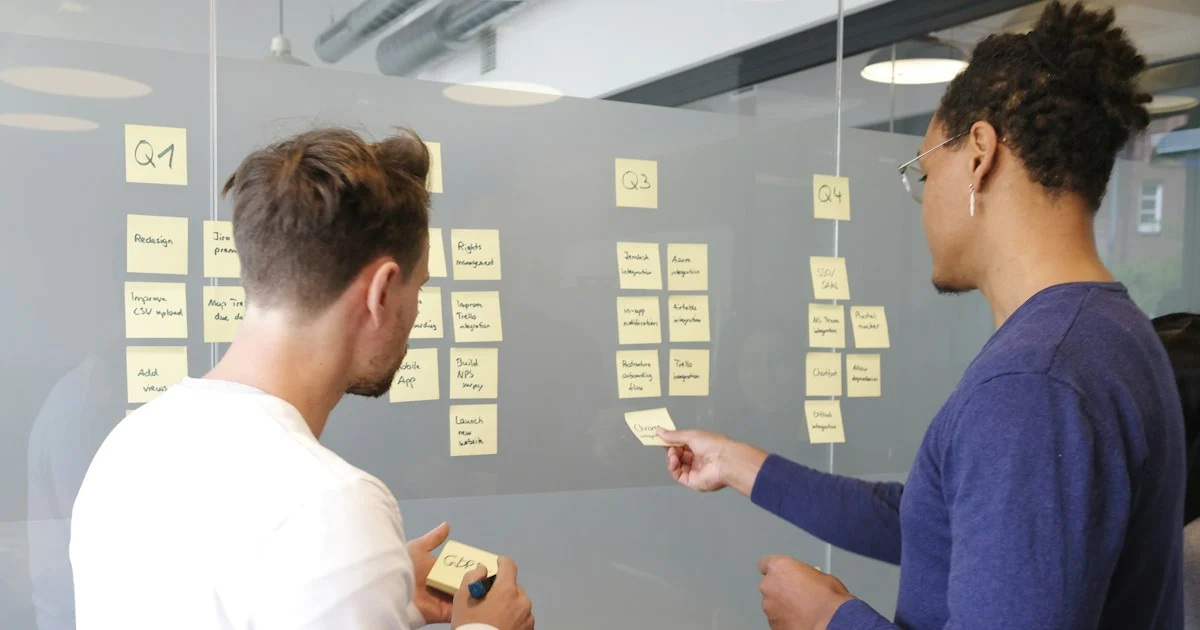
Most WordPress agency operations don’t fail because of a lack of clients. They fail because the founder is still the person who installs every plugin, answers every “quick question” and remembers how every client site was built. That works for five clients. At fifteen, it turns into late nights, missed updates and a team that can’t move without asking you first.
Alyson Caffrey makes the same point for marketing agencies in her DigitalMarketer article on simplifying operations for growth: agencies stall when nobody has defined how, when and why the work gets delivered. We think that applies even more to WordPress shops, because every site you launch becomes something you have to update, back up and support for years.
In this opinion piece, we’ll share our honest take on why WordPress agencies and freelancers get stuck, the seven changes we’d make first to simplify day-to-day operations, how to answer the “I’m too busy for this” objection, and where to start this week using free tools.
Our take at a glance
If you only read one section, read this one. These are the habits we see slowing down WordPress agency operations most often, for teams and freelancers alike, and the simple fix for each.
| The problem | What it costs you | The simple fix |
|---|---|---|
| The founder does everything | Burnout and a hard ceiling on growth | Set boundaries and hand off one task at a time |
| Every site is built differently | Slow updates and surprise conflicts | One theme family and one core plugin list |
| Processes live in your head | Mistakes when you’re away | Short written checklists (SOPs) |
| Knowledge isn’t shared | The same questions every week | Screen recordings and a simple knowledge base |
| Buying tools to fix chaos | Subscriptions nobody uses | Define the process first, then pick the tool |
| Custom quotes for everything | Unpredictable income and scope creep | Fixed-price packages and care plans |
| Processes written once, never updated | Outdated steps that people stop trusting | A short monthly review |
Why WordPress agency operations get messy
Almost every WordPress business starts the same way. You’re good at building sites, word gets around, and you say yes to everything. Each new client gets whatever theme, page builder and plugins felt right that month. Updates happen when you remember. Logins live in your inbox.
None of that is a problem with three clients. The trouble is that WordPress work compounds. A brochure site you launched two years ago still needs core, theme and plugin updates, backups, uptime checks and the occasional fix when a host upgrades PHP. Multiply that by thirty sites built thirty different ways, and your week disappears into maintenance you can’t hand to anyone else.
Books such as The E-Myth Revisited, Traction and Scaling Up have been saying this for years: you have to stop only working in the business and start working on it. Our view is that, for WordPress agencies, working on the business mostly means making things boringly consistent.
7 ways to simplify WordPress agency operations
You don’t need a new project management app or an operations consultant to fix this. These seven changes cost little or nothing, and each one makes the next easier.
1. Start working less (on purpose)
It sounds backwards, but the fastest way to find the gaps in your WordPress agency operations is to step away from them. When you’re in every Slack thread and every client call, you can’t see which tasks only work because you personally hold them together.
Start with small boundaries. Pick set hours for client email. Route support requests through one channel instead of WhatsApp, email and phone. Block one afternoon a week where you don’t touch client sites at all and instead write down how things should work. Then take a proper day off and see what breaks. Whatever breaks is your to-do list.

2. Standardise your WordPress stack
This is the change that simplifies WordPress agency operations the most, and it’s the one Caffrey’s article doesn’t cover because it’s specific to our world. Every different theme, page builder and plugin you support is another thing to learn, update and troubleshoot.
Pick one theme family that covers most of your client work, one way of building pages (the block editor is free and built in), and a short list of free core plugins you install on every site: one for SEO, one for caching, one for backups, one for security and one for forms. Write the list down and stick to it unless a client has a real reason to need something else. Our comparison of paid vs free WordPress themes explains what to look for when choosing that theme family.
The payoff is huge. When every site is built the same way, anyone on your team can update it, fix it or add a page without asking you how it was put together.
3. Write checklists for repeat jobs
Most of what a WordPress agency does is the same job done many times: launching a site, onboarding a client, running monthly updates, restoring a backup, moving a site to a new host. Each of those deserves a short written checklist, often called a standard operating procedure (SOP).
Keep each one to a single page of plain steps. A monthly update checklist, for example, might say: take a backup, apply updates on staging, check key pages and forms, push to live, then confirm uptime monitoring is green. Link out to detailed guides rather than rewriting them, such as our rollback plan for when an update breaks a site or how to back up WordPress to Dropbox.

4. Master knowledge transfer
Checklists tell people what to do. Knowledge transfer shows them how. The easiest way we know is to record your screen the next time you do a task, talking through what you’re clicking and why. A free tool such as Loom or the screen recorder built into your computer is plenty.
Put those recordings and your checklists in one place everyone can search. That’s your knowledge base. It can be a shared folder, a free Notion or Google Docs workspace, or even private pages on an internal WordPress site. What matters is that there’s one home for “how we do things”, and that you point people to it instead of answering the same question again. A searchable knowledge base is the backbone of scalable WordPress agency operations.

5. Define the process before buying the tool
When things feel chaotic, it’s tempting to buy software to fix it: a new project board, a client portal, a management dashboard. In our experience, a tool only speeds up a process you already have. Add one to a process nobody has defined, and you just get chaos in a nicer interface.
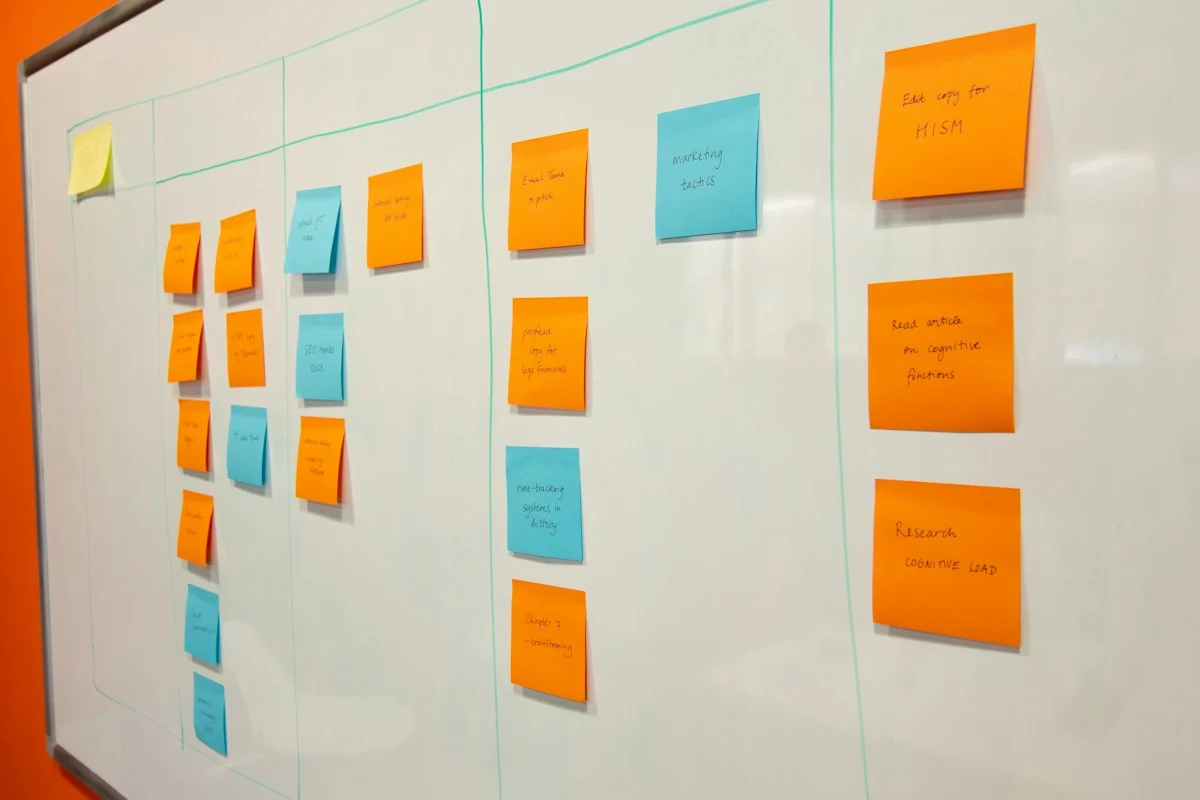
So write the process first, on paper or a whiteboard. Run it by hand for a month. Only then look for a tool, and start with free plans. Many agencies find a shared spreadsheet and a simple task board cover far more than they expected.
6. Package your services
Custom quotes for every job are a hidden drag on WordPress agency operations. Each one takes time to write, invites scope creep and makes your income hard to predict. Turning your most common work into fixed-price packages, such as a site setup, a migration or a monthly care plan, makes it much easier to write a checklist for each and hand the work to someone else.
Clients usually prefer it too, because they know exactly what they’re paying for. Our guide to how much a business website really costs shows the kind of pricing clients expect for common WordPress jobs.
7. Review your processes once a month
Processes go out of date. WordPress releases change the editor, plugins change their settings, hosts change their dashboards. A checklist nobody trusts is worse than no checklist, because people quietly stop using it.
Set a 30-minute monthly review. Ask the team which steps were wrong, missing or confusing, and fix them on the spot. Give each checklist an owner so someone is responsible for keeping it current. It’s the same maintenance mindset you already apply to client sites, just pointed at your own business.
“I’m too busy to fix my operations”
We hear this more than anything else, and we understand it. When you’re behind on client work, writing checklists feels like a luxury. But being too busy is the symptom, not the reason. The cost of not fixing your WordPress agency operations shows up anyway: burnout, missed updates that turn into hacked sites, clients who leave and team members who quit because everything depends on you.
The answer isn’t to stop everything for a big operations project. It’s to make each fix tiny. Record the next task you do. Write one checklist this week. Remove one plugin from your standard list. Small improvements add up quickly when they’re the default way you work.
Where we’d start this week
If you want a plan for your WordPress agency operations rather than a philosophy, here’s what we’d do in the next seven days:
- List every client site you look after, with its theme, page builder and host.
- Choose your standard theme family and core free plugin list, and use it for every new site from today.
- Write a one-page checklist for your monthly update routine.
- Record your screen the next time you launch or update a site, and save it in one shared folder.
- Pick one task you always do yourself and hand it to someone else with the checklist and recording.
- Put a 30-minute process review in your calendar for the same day next month.
Themes that make standardising easy
Standardising your stack is much easier when one theme family covers most client types. WPInterface Pro themes share the same lightweight code base, Customizer layout and update process, so once your team knows one, they know them all.
Business Interface Pro
Business Interface Pro is a lightweight multipurpose business theme with 12 starter sites, so you can launch most small business sites from the same starting point.

SpeedNews Pro
SpeedNews Pro is a fast news and magazine theme for publishing clients, with a trending ticker, mosaic headlines and three-column layouts.

SpeedBlog Pro
SpeedBlog Pro is a fast blog theme for bloggers and content-led clients, with a clean layout and built-in typography controls.

You can see all our themes on the WordPress themes page.
Need a hand?
If you’d rather hand some of the repeat work to someone else while you fix your processes, the WPInterface team offers fixed-price help:
- WordPress Care Plans: updates tested on staging, backups and monitoring for your sites, every month.
- WordPress Installation and Theme Setup: for $99, we install WordPress and set up your WPInterface theme.
- Must-Have Plugins Installation: for $59, we install and configure a sensible set of essential plugins.
- WordPress Migration: we move client sites to a new host without downtime.
- VIP Support: a $29 priority ticket for quick expert help with any WordPress problem.
Frequently asked questions
What are WordPress agency operations?
They’re everything that happens around building sites: client onboarding, launches, updates, backups, support, billing and how knowledge is shared across the team. Good operations mean that work gets done the same way, whoever does it.
What is an SOP for a WordPress agency?
A standard operating procedure is a short written checklist for a repeat task, such as monthly updates or launching a site. It lets anyone on the team do the job correctly without asking the founder.
Do I need paid software to simplify my operations?
No. Shared documents, a free task board, a screen recorder and a spreadsheet are enough for most small agencies and freelancers. Define the process first, then upgrade tools only if the free ones genuinely hold you back.
How many plugins should be on our standard list?
As few as you can manage. Cover SEO, caching, backups, security and forms, then add plugins only when a specific client needs a feature. Fewer plugins means fewer updates and fewer conflicts.
Is this advice useful for solo freelancers?
Yes, arguably more so. Checklists and a standard stack let you take time off, hire help when you’re ready, and stop relying on memory for dozens of client sites.
How long does it take to fix agency operations?
You’ll feel a difference within a month if you write one checklist a week and standardise every new site. A full set of processes usually builds up over a few months of small, steady improvements.
Final thoughts
Growth doesn’t fix messy WordPress agency operations; it makes them louder. The agencies we see growing calmly aren’t the ones with the most tools. They’re the ones that build every site the same way, write down how they work, and let other people do it without asking.
Start small. Pick your standard stack, write one checklist, record one task. Next month, you’ll have a business that runs a little more without you, and that’s what makes growth possible.
Featured image: Photo by airfocus on Unsplash. Inline photos are credited in their captions and used under the Unsplash License.
Reactions
How did this make you feel?
Be the first to react
One reaction per visitor. Tap again to change or remove it.





Leave a reply